
Install TuneDrip plugins in Studio One
In Studio One, use the VST3 version. Mac: macOS 12 or later, Apple Silicon and Intel (the pkg installs it in /Library/Audio/Plug-Ins/VST3). Windows: 10 or 11, 64-bit.
- Install the plugin: Mac pkg, or copy the .vst3 folder into C:\Program Files\Common Files\VST3 on Windows.
- In Studio One, open Settings (Options on Windows) › Locations › VST Plug-Ins, make sure the VST3 folder is listed and scanned at startup, then restart.
- In the Browser, open Effects or Instruments, sort by Vendor and drag a TuneDrip plugin onto a track, a bus or the empty area to create an instrument track.
Every TuneDrip plugin works in Studio One


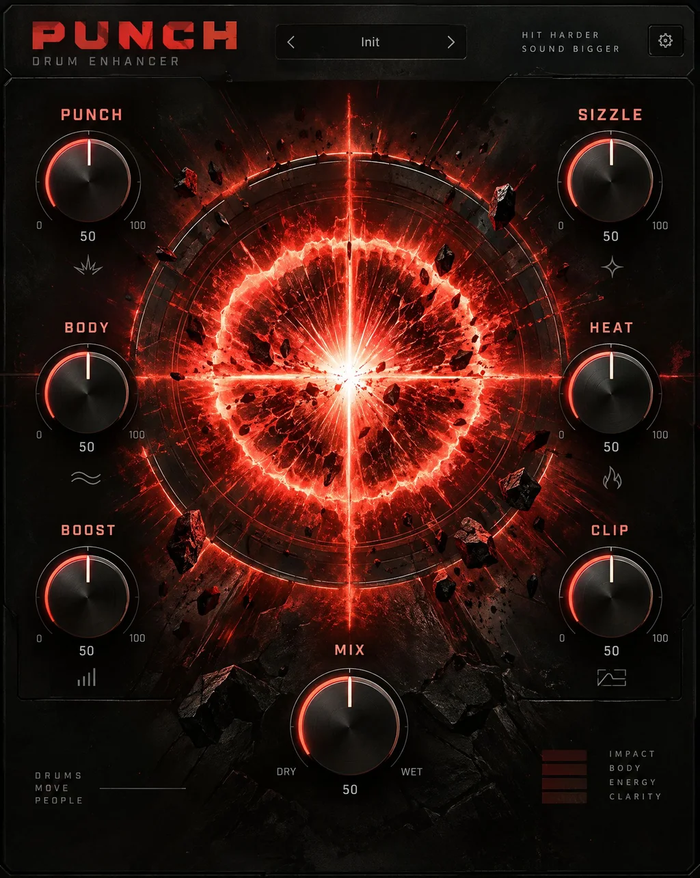


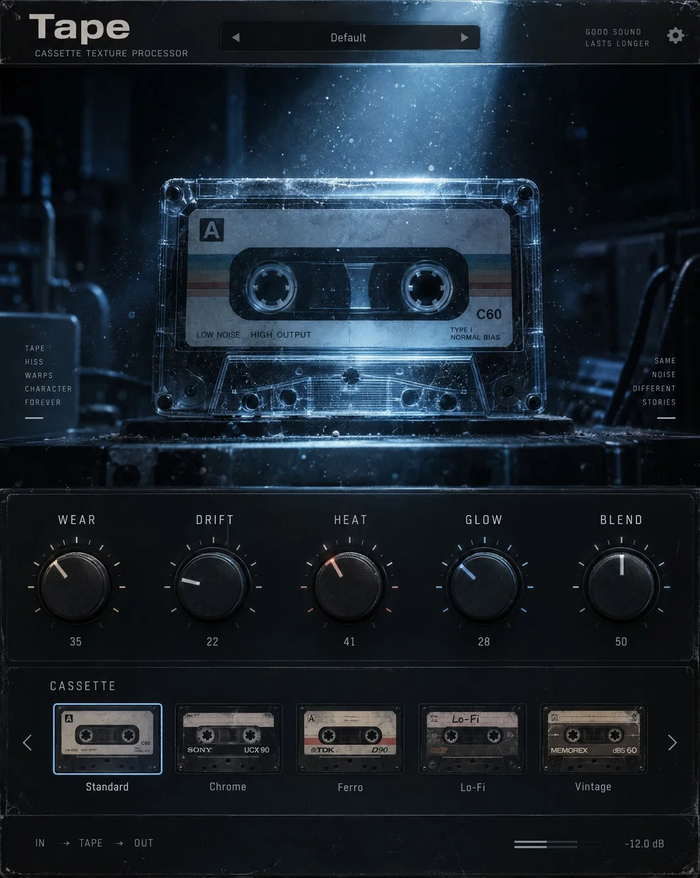


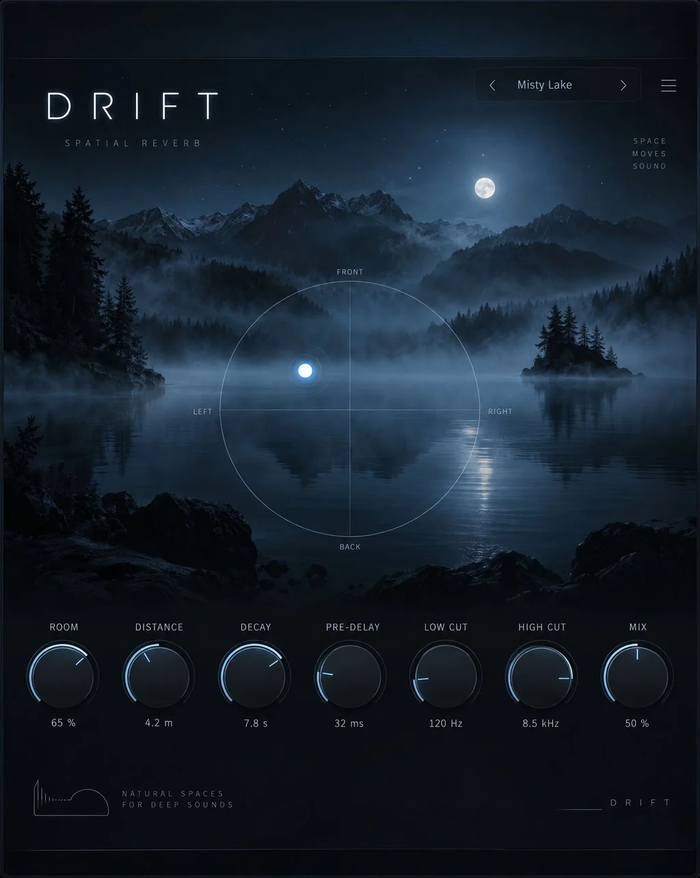


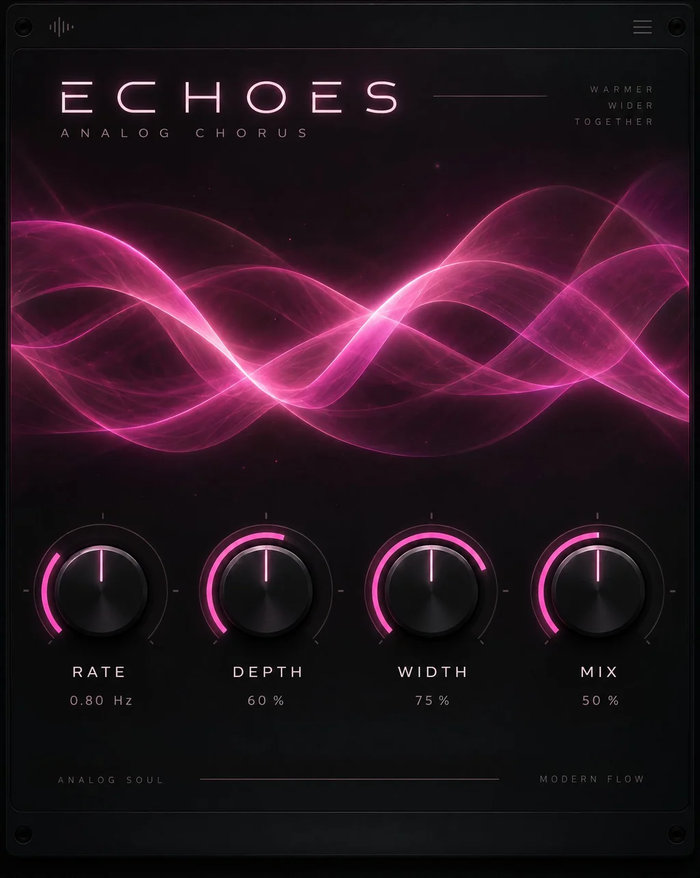




Which version to use in Studio One
Use the VST3 version: Studio One scans the standard VST3 folder on both systems, so songs open the same way on a Mac and a PC.
Fast vocal and beat work
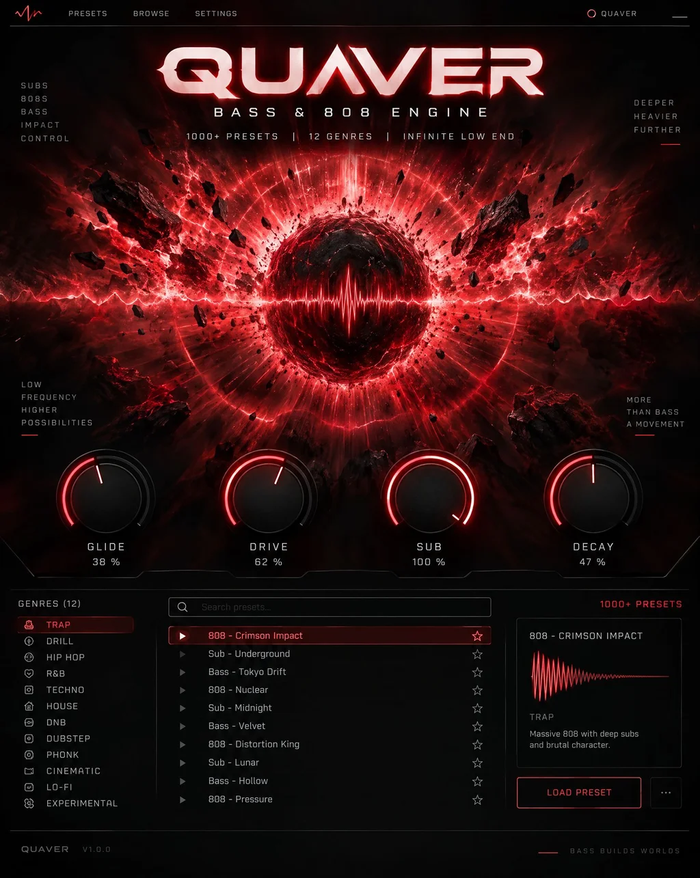
Save a TuneDrip plugin with your favourite preset as an FX Chain and it comes back in one drag. VoxShift gives a finished vocal sound per style, Stack and Harmony build doubles and harmonies, Relay and Strobe follow the song tempo for repeats and gates, and Quaver writes 808s with glides from the Piano view.
Licensing
One key per plugin: Lifetime license · 3 computers · free 1.x updates · upgrade discounts for owners. Activate once online, then Studio One runs the plugin offline. Free editions need no key.
Studio One FAQ
Does it work in every edition of Studio One?
It works in any edition that can host third-party VST3 plug-ins, from Studio One 5 to Studio One 7.
Where are TuneDrip plugins in the Browser?
Open Effects or Instruments and sort by Vendor: the plugins are grouped under TuneDrip.
Can I save my settings as FX Chains?
Yes. Any TuneDrip plugin, alone or with others, can be saved as an FX Chain and recalled on any track.
TuneDrip plugins in other DAWs
Questions about installation? See Downloads & installation or write to info@tunedrip.com.