
Install TuneDrip plugins in Bitwig Studio
In Bitwig Studio, use the VST3 version. Mac: macOS 12 or later, Apple Silicon and Intel (the pkg installs it in /Library/Audio/Plug-Ins/VST3). Windows: 10 or 11, 64-bit.
- Install the plugin: Mac pkg, or copy the .vst3 folder into C:\Program Files\Common Files\VST3 on Windows.
- In Bitwig, open Settings › Locations and keep Use system locations on for VST3 plug-ins; Bitwig scans the folder automatically.
- Open the Browser, filter by creator TuneDrip and drag the plugin into a track's device chain (effects) or onto an instrument track.
Every TuneDrip plugin works in Bitwig Studio


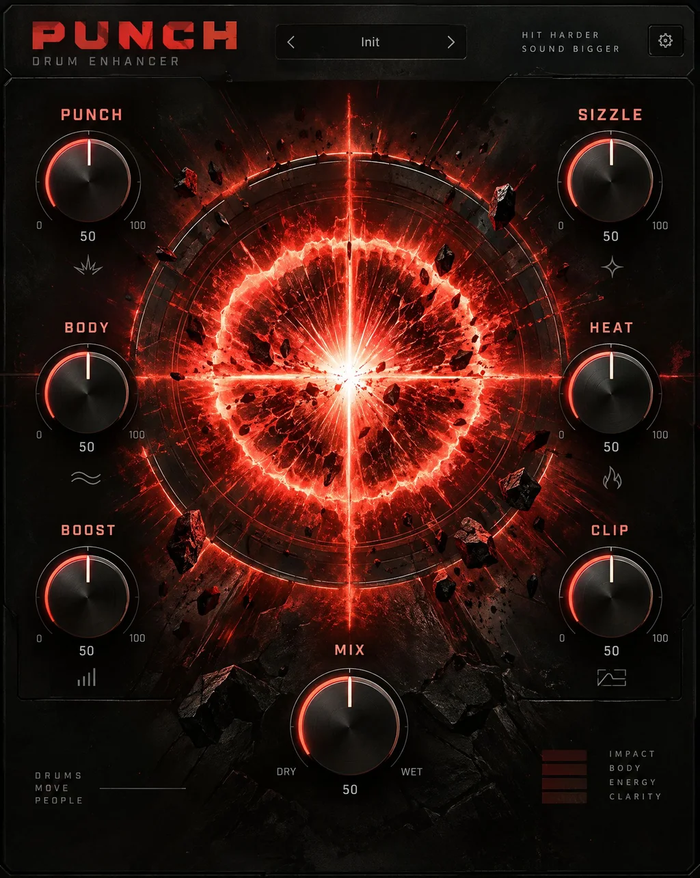


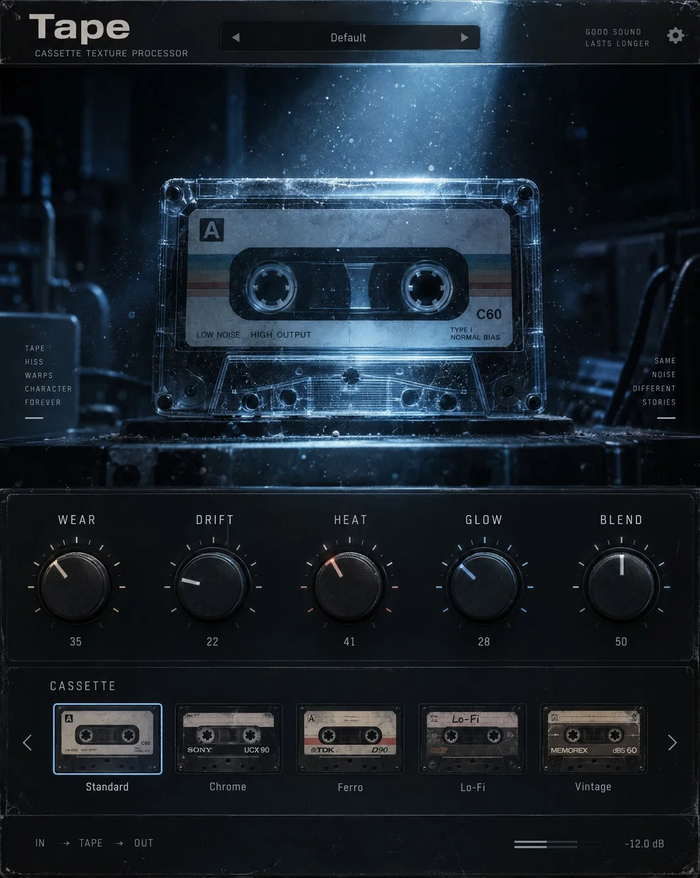


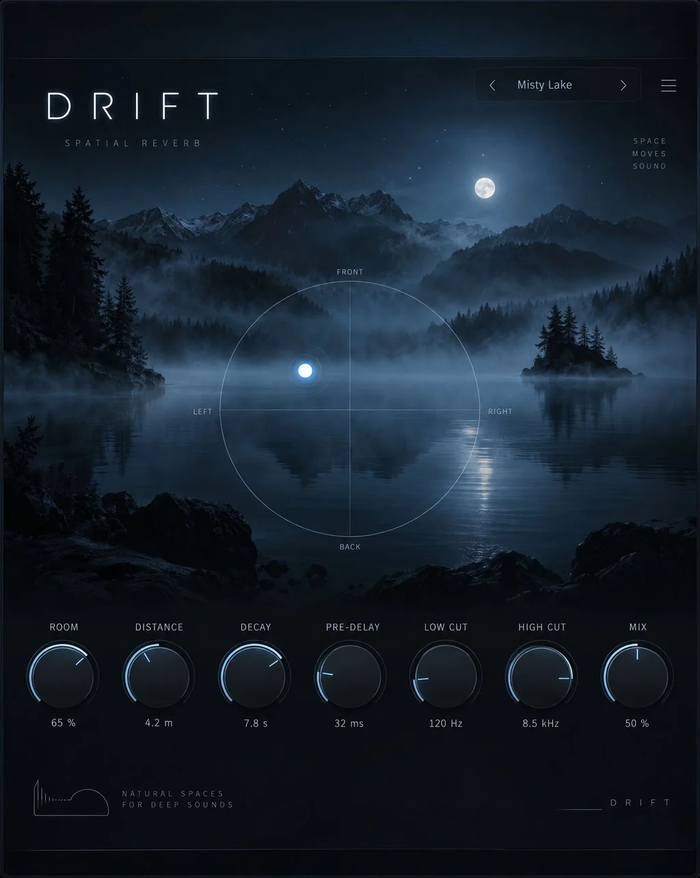


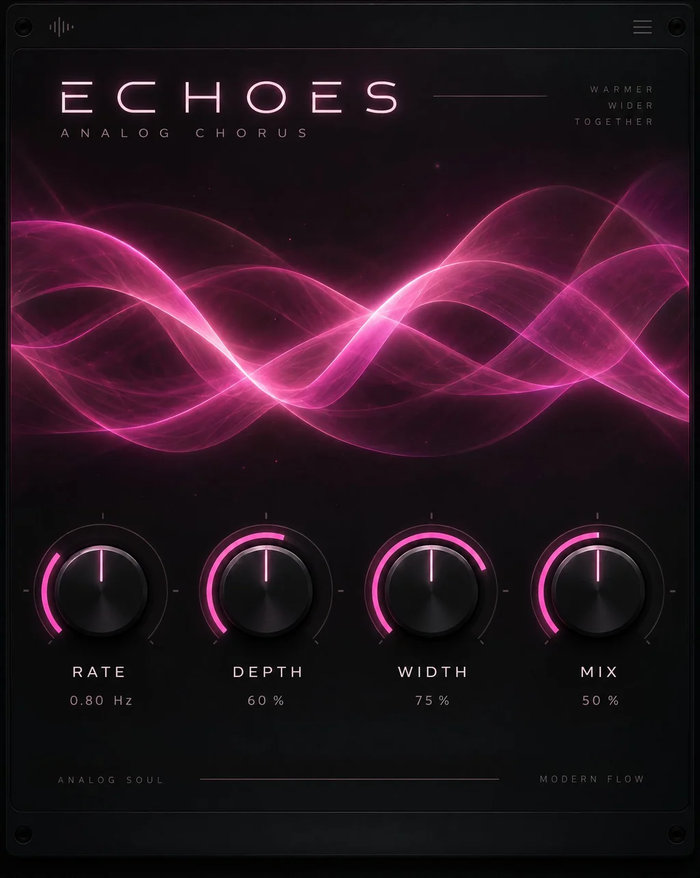




Which version to use in Bitwig
Use the VST3 version on both systems. Bitwig runs plugins in a separate process by default, so a plugin issue never takes the whole project down.
Modulate everything
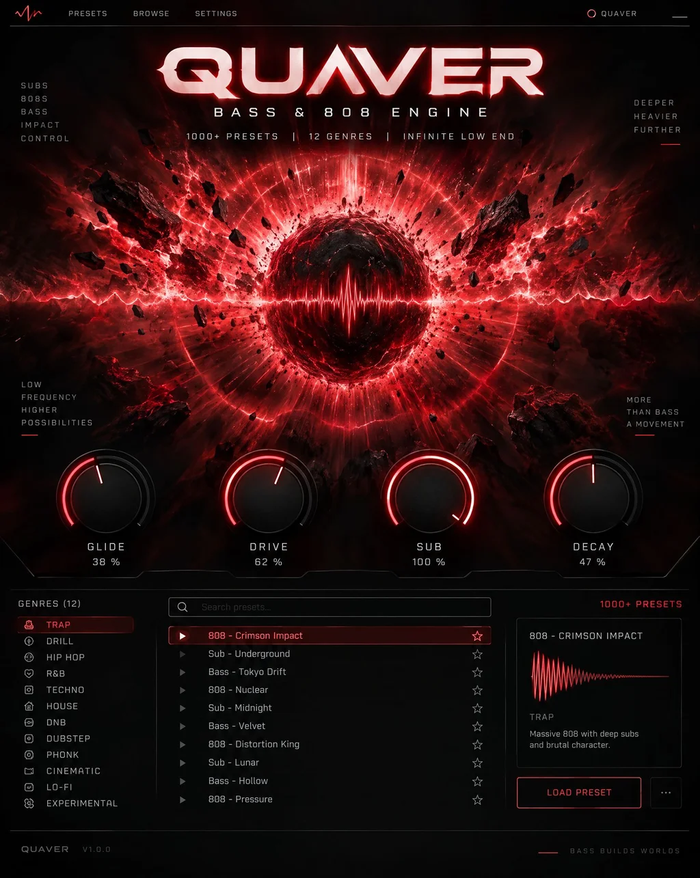
Drop an LFO or a Steps modulator on a TuneDrip device and route it to any knob: animate Orbit's phaser spin, sequence Pivot's pitch, or move Cloudburst's grain size. Instruments (Atlas, Arcade, Pixel, Ripple, Quaver) play from clips and the Note Grid like any other instrument.
Sound design and performance
Put Spectra or Cloudburst on a clip launcher scene for evolving granular textures, use Resonate to turn drums into chords, and drive Strobe and Relay from the transport for tight gates and repeats. In a live set, Doodle draws melodies you can send to any Bitwig instrument, and Transcribe turns a sung idea into MIDI you can drop into a clip.
Licensing
One key per plugin: Lifetime license · 3 computers · free 1.x updates · upgrade discounts for owners. Activate once online, then Bitwig runs the plugin offline. Free editions need no key.
Bitwig Studio FAQ
Which Bitwig versions are supported?
Bitwig Studio 4 and 5, and the 16-track and Essentials editions, on macOS 12+ and Windows 10/11 64-bit.
Does it work with Bitwig's plug-in sandboxing?
Yes. TuneDrip plugins run in any of Bitwig's hosting modes; the default per-plugin mode is fine.
Can I use the plugins on Linux?
Not yet. TuneDrip plugins are available for macOS and Windows.
TuneDrip plugins in other DAWs
Questions about installation? See Downloads & installation or write to info@tunedrip.com.