
Install TuneDrip plugins in Cubase
In Cubase, use the VST3 version. Mac: macOS 12 or later, Apple Silicon and Intel (the pkg installs it in /Library/Audio/Plug-Ins/VST3). Windows: 10 or 11, 64-bit.
- Install the plugin: Mac pkg, or copy the .vst3 folder into C:\Program Files\Common Files\VST3 on Windows.
- Start Cubase: it scans the VST3 folder at launch. Open Studio › VST Plug-in Manager to see the TuneDrip plugins listed.
- Add the plugin to an Insert slot in the Inspector or the MixConsole, or create an Instrument track for Atlas, Arcade, Pixel, Ripple and Quaver.
Every TuneDrip plugin works in Cubase














Which version to use in Cubase
Use the VST3 version on both systems: it is the native format of Cubase. Projects move between a Mac and a PC without missing plugins, and VST3 lets Cubase suspend processing on silent tracks to save CPU.
A mixing toolbox for Cubase
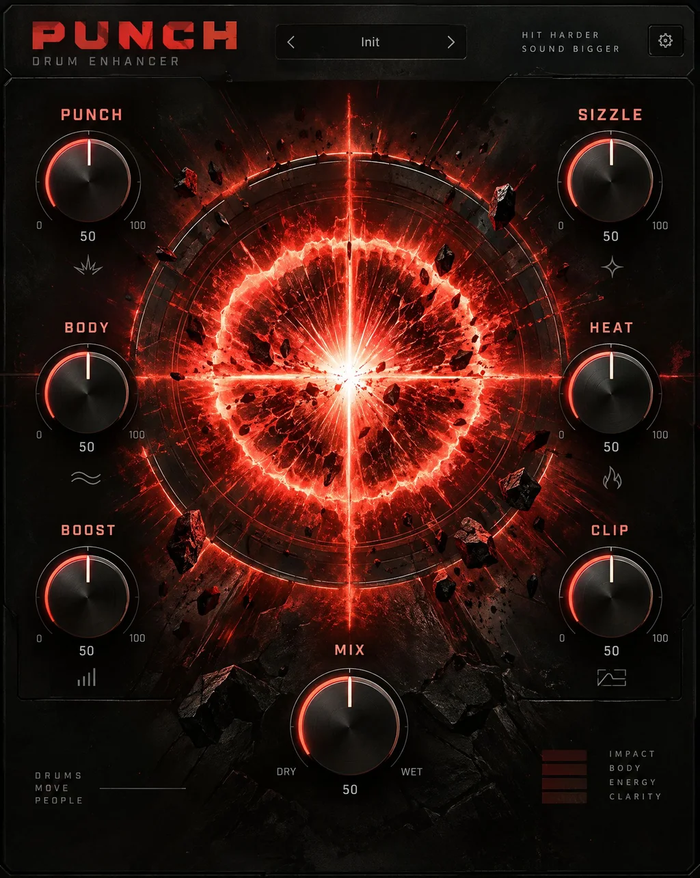
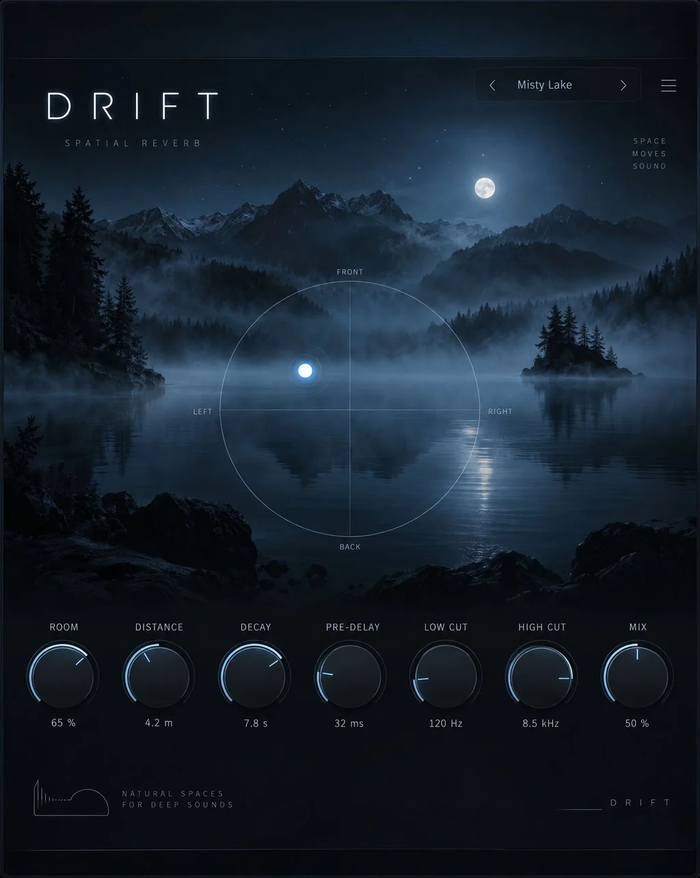
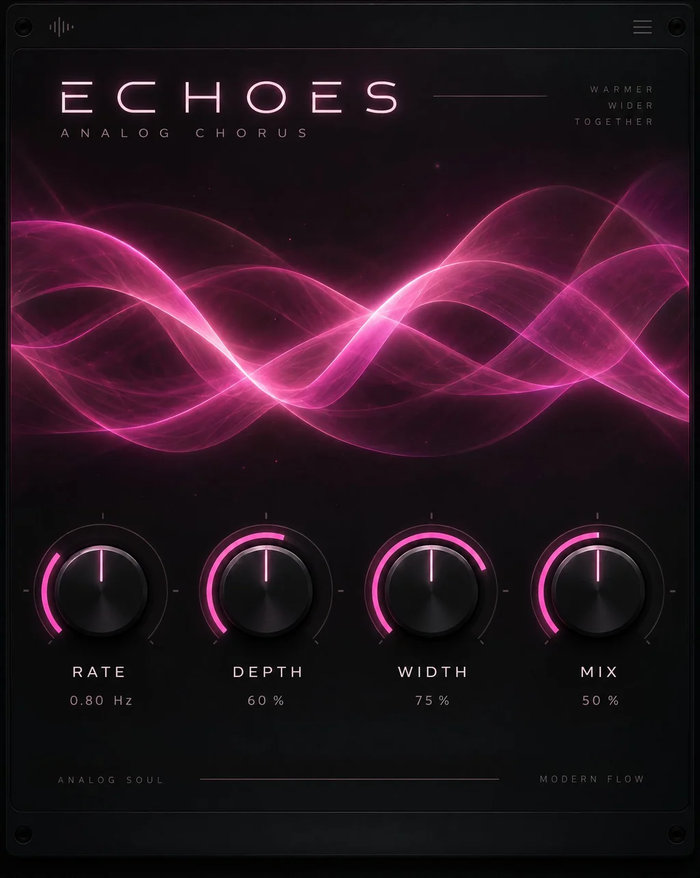
Smooth tames resonances on vocals and synths, Punch shapes drum buses, Aura adds air and width, Grit and Sub Heat bring saturation, and Ghost, Drift and Mirage cover reverse reverbs, real spaces and pitched echoes on FX tracks. Every control can be assigned to Quick Controls and written as automation.
Licensing
One key per plugin: Lifetime license · 3 computers · free 1.x updates · upgrade discounts for owners. Activate once online, then Cubase runs the plugin offline. Free editions need no key.
Cubase FAQ
Which Cubase versions are supported?
Cubase Pro, Artist and Elements 11 and later, on macOS 12+ and Windows 10/11 64-bit.
The plugin is missing from the insert list.
Open Studio › VST Plug-in Manager, check that the VST3 folder is listed in the plug-in paths, then rescan. The plugin is filed under the vendor TuneDrip.
Can I use the plugins in Cubase LE or AI?
Yes, as long as your edition can load third-party VST3 plugins.
TuneDrip plugins in other DAWs
Questions about installation? See Downloads & installation or write to info@tunedrip.com.