
Install TuneDrip plugins in FL Studio
In FL Studio, use the VST3 version. Mac: macOS 12 or later, Apple Silicon and Intel (the pkg installs it in /Library/Audio/Plug-Ins/VST3). Windows: 10 or 11, 64-bit.
- Install the plugin: Mac pkg, or copy the .vst3 folder into C:\Program Files\Common Files\VST3 on Windows.
- In FL Studio, open Options › Manage plugins, check that the VST3 folder is in the search paths and click Find plugins.
- Star the TuneDrip plugins so they appear in the plugin lists, then load effects on a Mixer insert and instruments in the Channel Rack.
Every TuneDrip plugin works in FL Studio


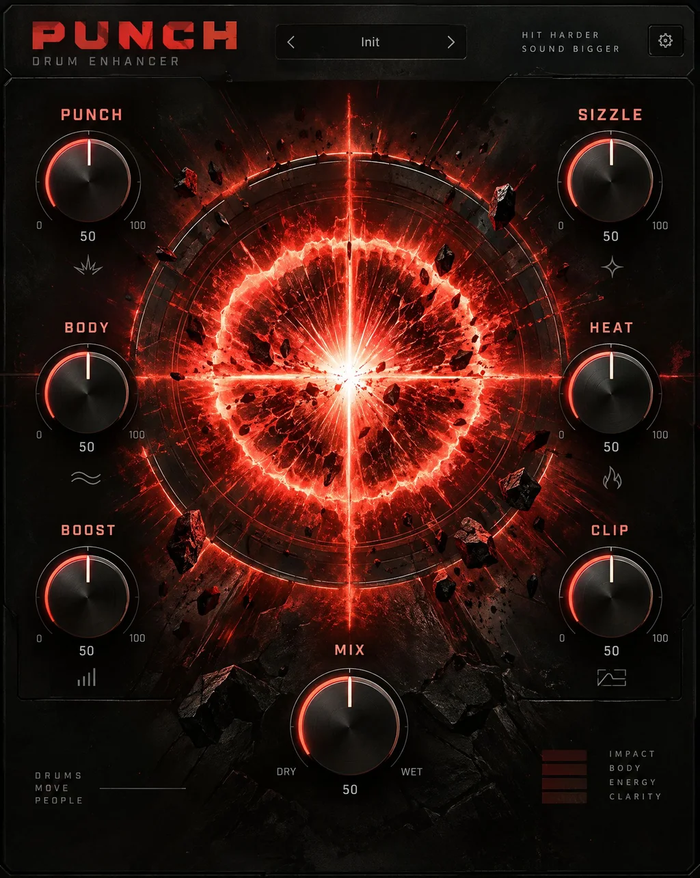


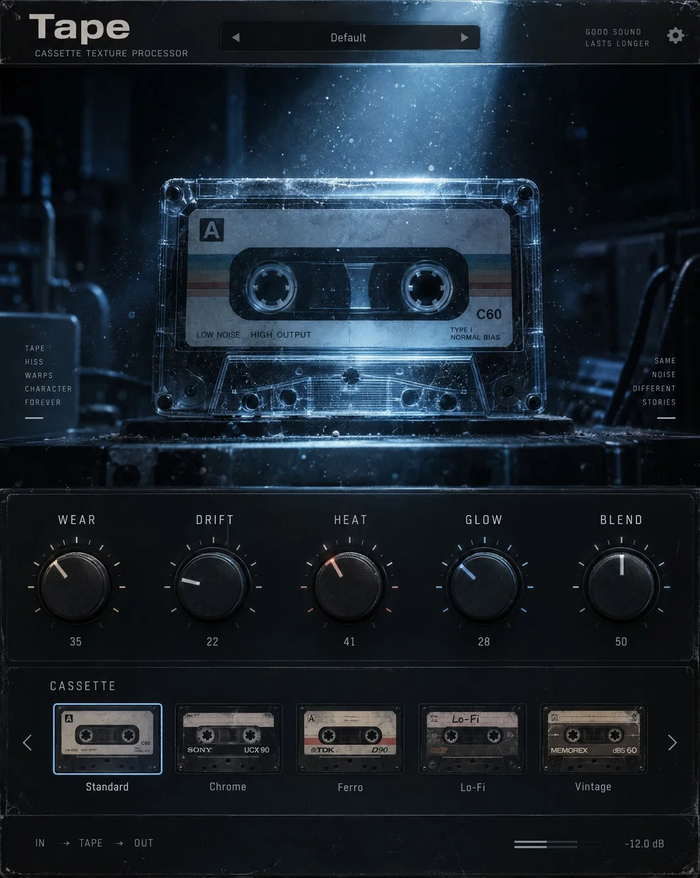


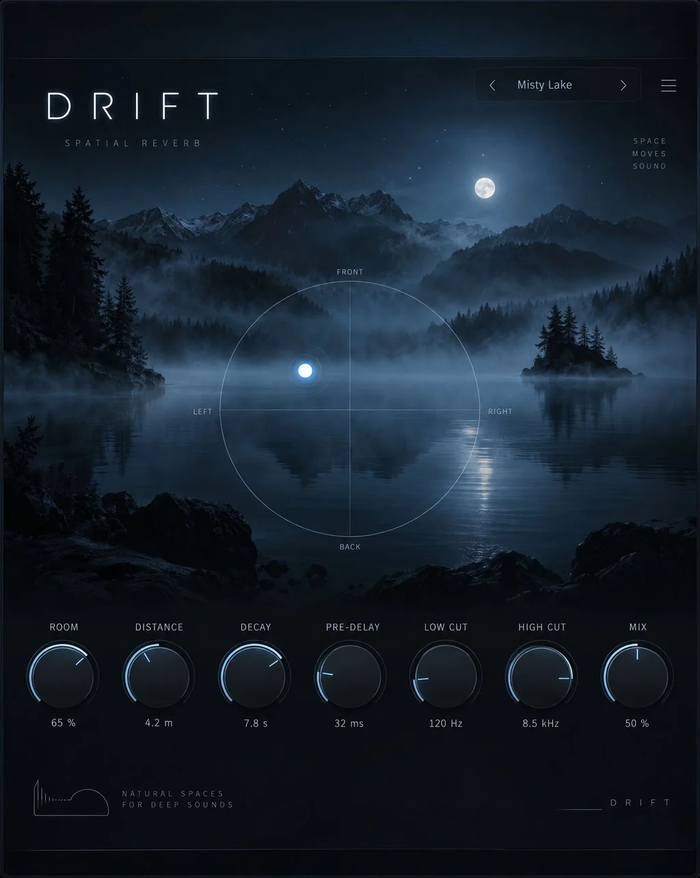


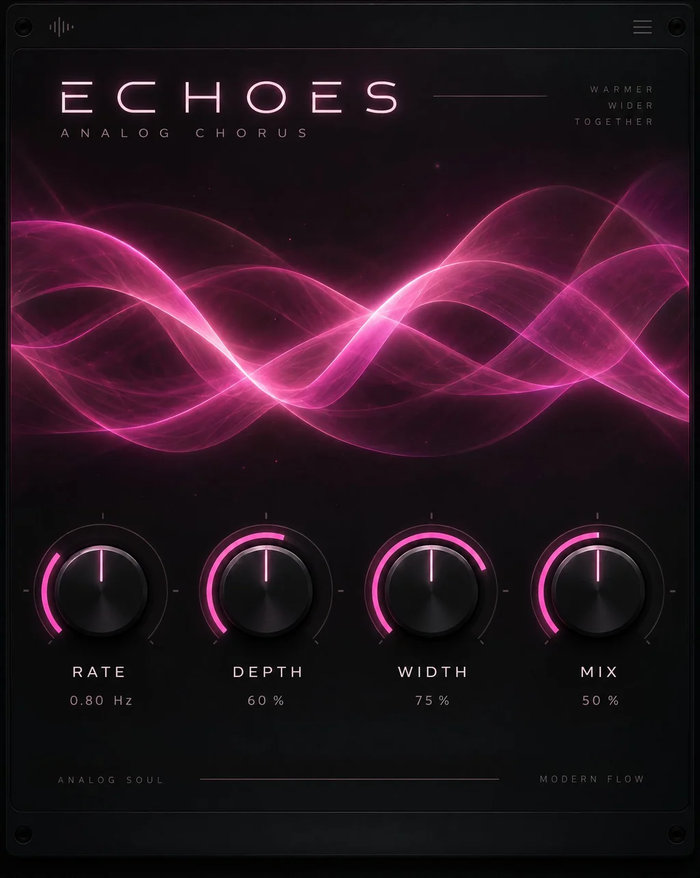




Which version to use in FL Studio
Use the VST3 version. FL Studio scans the standard VST3 folder on both systems, so the same project opens on a Windows PC and on a Mac with the same plugins and presets.
Made for beatmakers
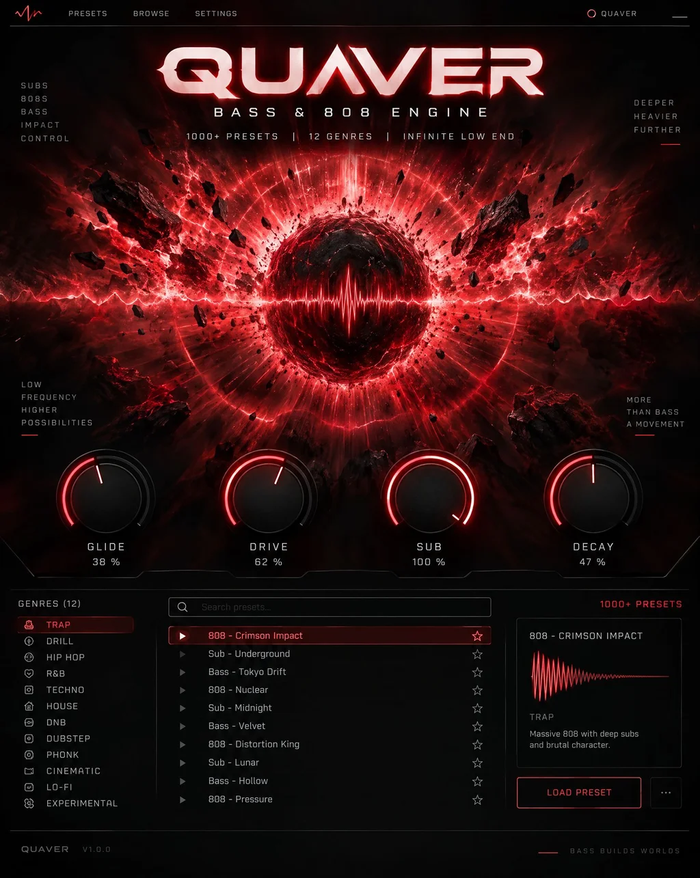
Quaver builds 808s from scratch with glides that follow FL's slide notes; Blast and Sub Heat add weight and grit to the low end; Strobe and Relay sync to the project tempo for gates and stutters; Nebula, Tape and Static bring lo-fi colour to loops. On vocals, VoxShift loads a whole chain in one click and Harmony or Choir stack backing voices from a single take.
Licensing
One key per plugin: Lifetime license · 3 computers · free 1.x updates · upgrade discounts for owners. Activate once, then FL Studio runs the plugin offline. Free editions need no key.
FL Studio FAQ
Do the plugins work in FL Studio Fruity, Producer and Signature?
Yes. Any edition of FL Studio 20 or 21 that hosts third-party VST plugins loads TuneDrip VST3 plugins.
Why can't I find the plugin after installing it?
Run Options › Manage plugins › Find plugins, then tick the star next to the TuneDrip plugins. Unstarred plugins are installed but hidden from the quick lists.
Can I automate the knobs?
Yes. Move a control, then use Tools › Last tweaked › Create automation clip, or link it to a controller.
TuneDrip plugins in other DAWs
Questions about installation? See Downloads & installation or write to info@tunedrip.com.