Install TuneDrip plugins in GarageBand
In GarageBand, use the AU version (Audio Unit), installed by the macOS pkg in /Library/Audio/Plug-Ins/Components. macOS 12 or later, Apple Silicon and Intel.
- Open the macOS pkg installer and keep AU checked: the plugin goes to /Library/Audio/Plug-Ins/Components.
- Quit and reopen GarageBand: it checks new Audio Units when it starts.
- Select a track, open Smart Controls › Plug-ins, click an empty slot › Audio Units › TuneDrip; for instruments, click the instrument slot of a Software Instrument track.
Every TuneDrip plugin works in GarageBand












Why AU for GarageBand
GarageBand only loads Audio Units, so it uses the AU version installed by the macOS pkg. GarageBand for iPhone and iPad does not load these plugins.
Where to start
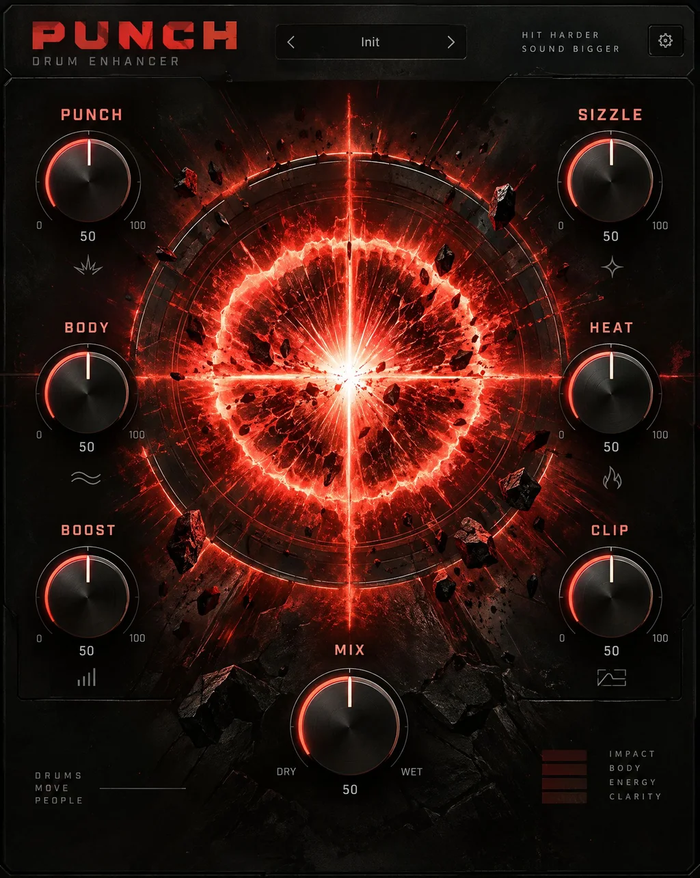
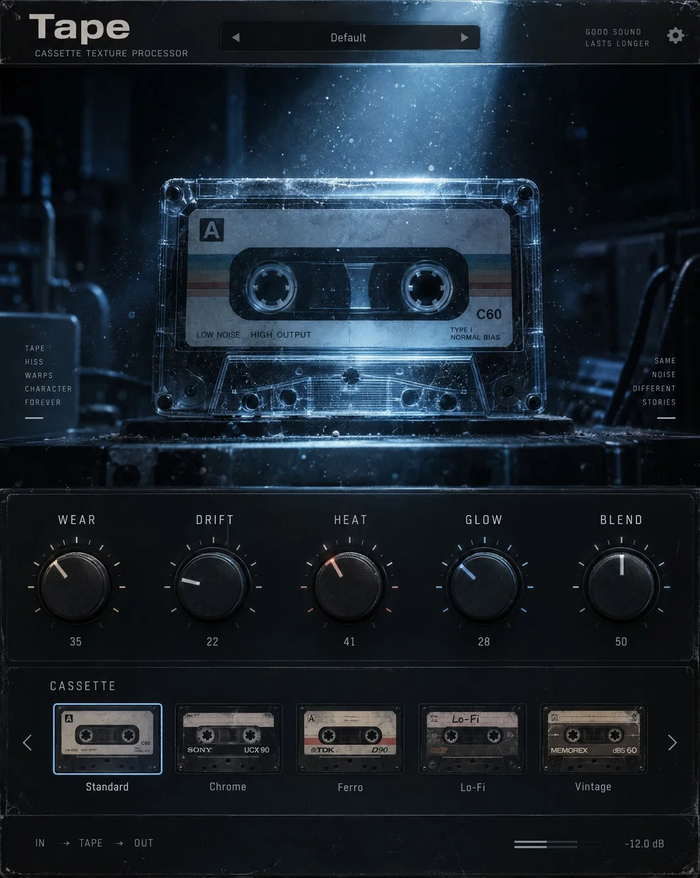
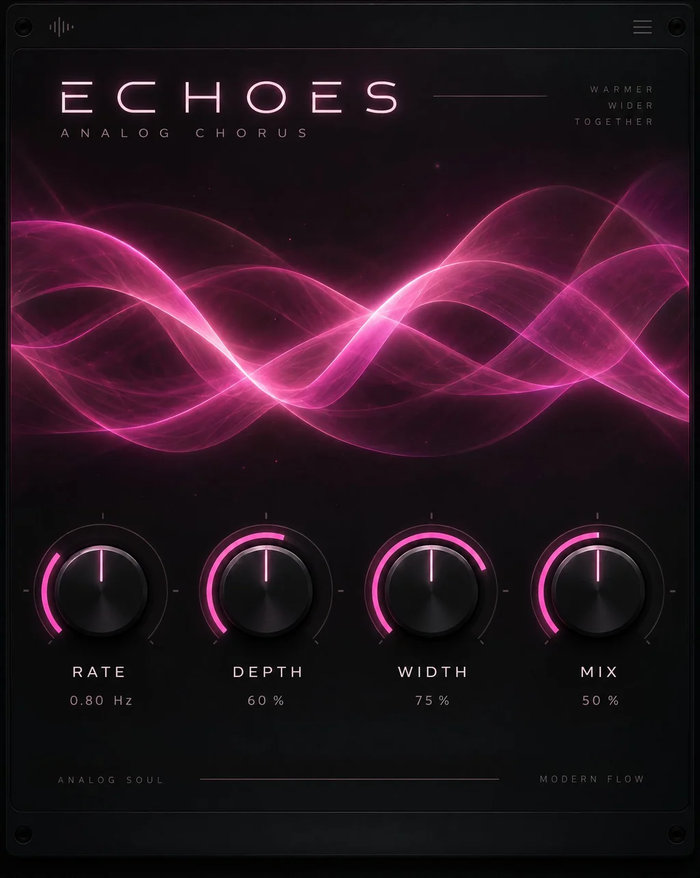
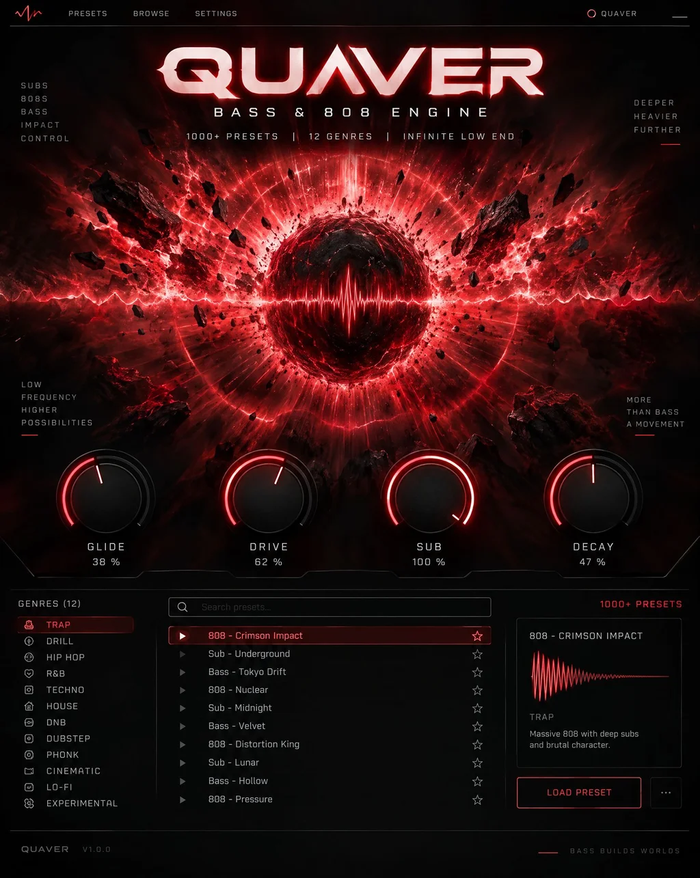
On a vocal, try VoxShift for a complete chain per style, or Tune Live for clean real-time tuning. For beats, Quaver gives 808s with slides and Punch makes drums hit harder. Tape, Nebula and Static add lo-fi warmth to loops, and the free editions (Echoes Free, Cloudburst Free, Atlas Free, Tonic) are a good first install. When the song outgrows GarageBand, the same plugins and presets open in Logic Pro.
Licensing
One key per plugin: Lifetime license · 3 computers · free 1.x updates · upgrade discounts for owners. Activate once online, then GarageBand runs the plugin offline. Free editions need no key.
GarageBand FAQ
Does it work on GarageBand for iPad or iPhone?
No. TuneDrip plugins are desktop Audio Units for GarageBand on macOS 12 or later.
I installed the plugin but it is not in the list.
Quit GarageBand completely and reopen it. If needed, run the installer again with AU checked; the file must be in /Library/Audio/Plug-Ins/Components.
Will my GarageBand project open in Logic Pro?
Yes. Logic Pro opens GarageBand projects and loads the same TuneDrip Audio Units with your settings.
TuneDrip plugins in other DAWs
Questions about installation? See Downloads & installation or write to info@tunedrip.com.