
Install TuneDrip plugins in Logic Pro
In Logic Pro, use the AU version (Audio Unit), installed by the macOS pkg in /Library/Audio/Plug-Ins/Components. macOS 12 or later, Apple Silicon and Intel.
- Open the macOS pkg installer and keep AU checked: the plugin goes to /Library/Audio/Plug-Ins/Components.
- Launch Logic Pro: it validates new Audio Units on startup. If a plugin is listed as failed, open Logic Pro › Settings › Plug-in Manager and click Reset & Rescan Selection.
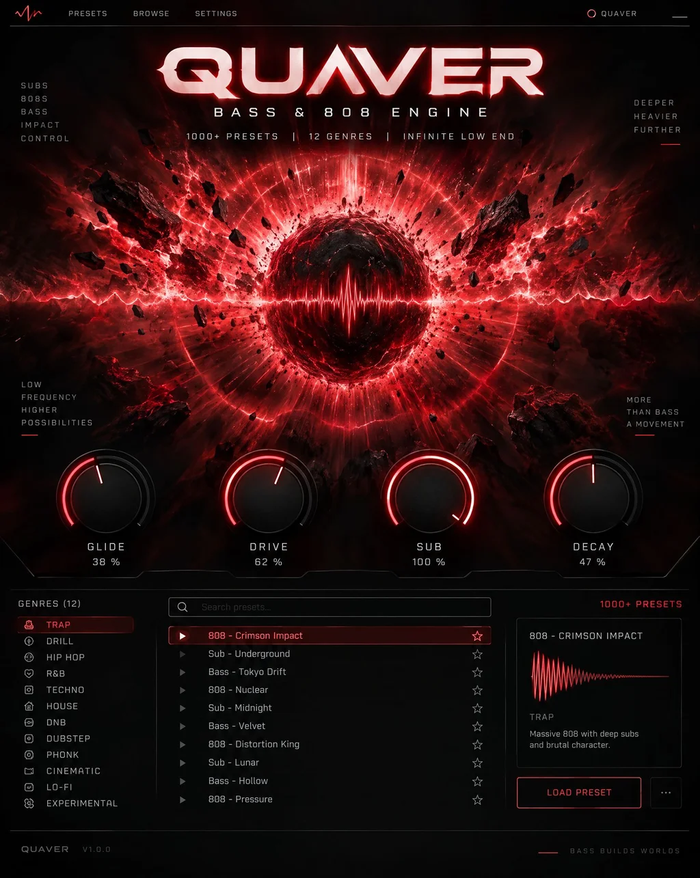
- Click an Audio FX slot › Audio Units › TuneDrip for effects, or the Instrument slot of a Software Instrument track for Atlas, Arcade, Pixel, Ripple and Quaver.
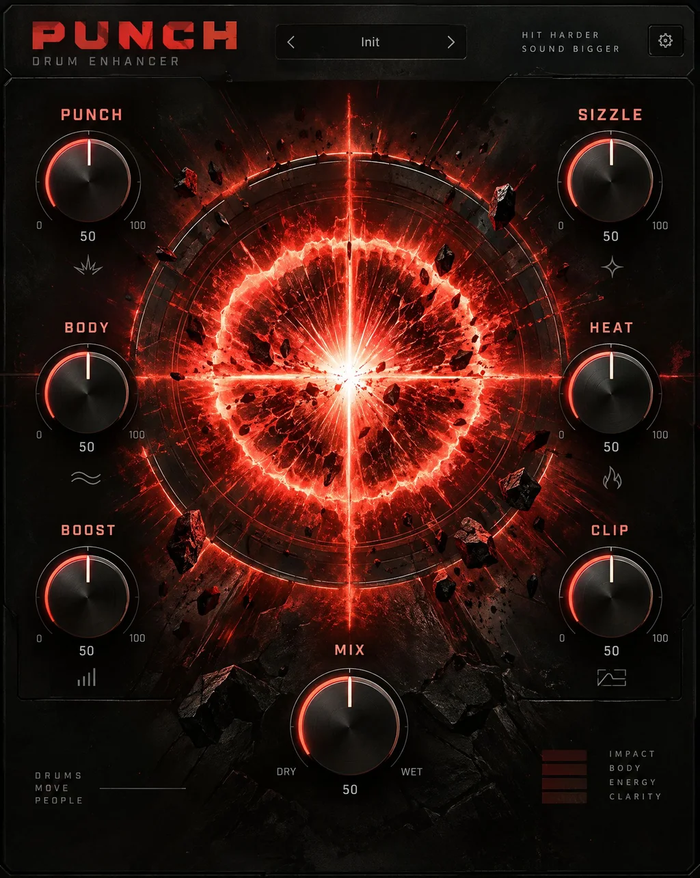
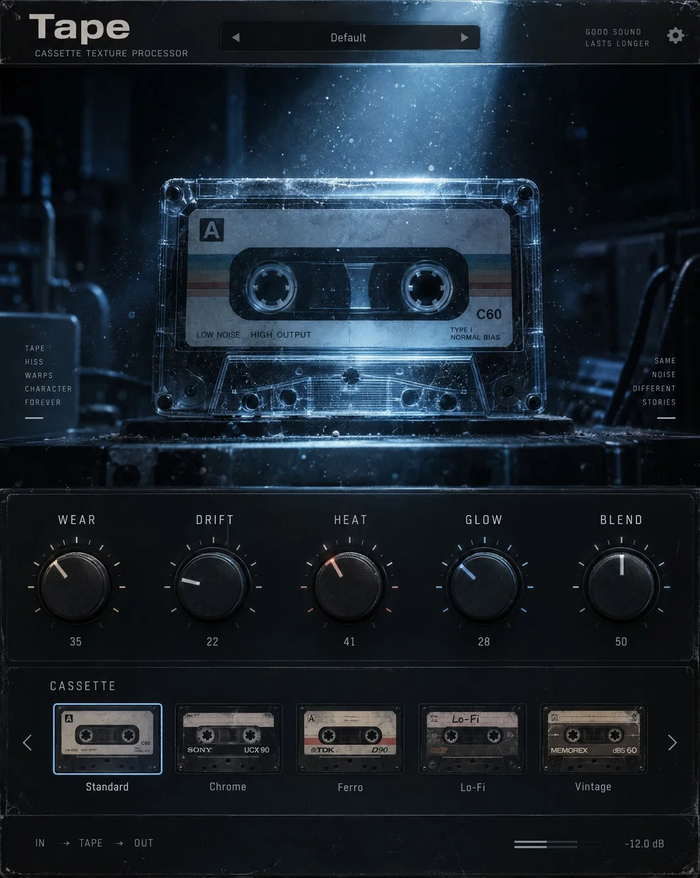
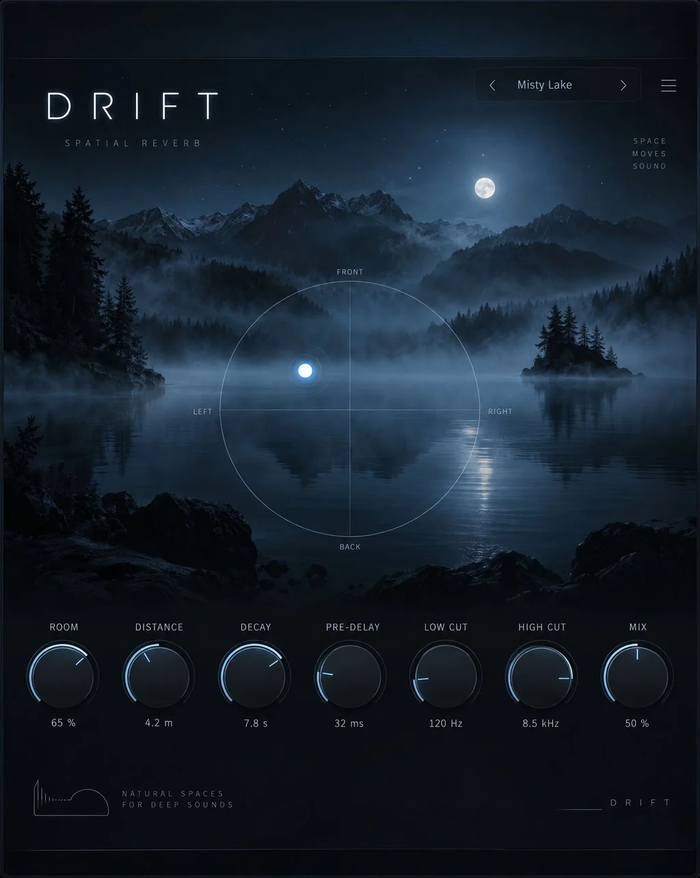
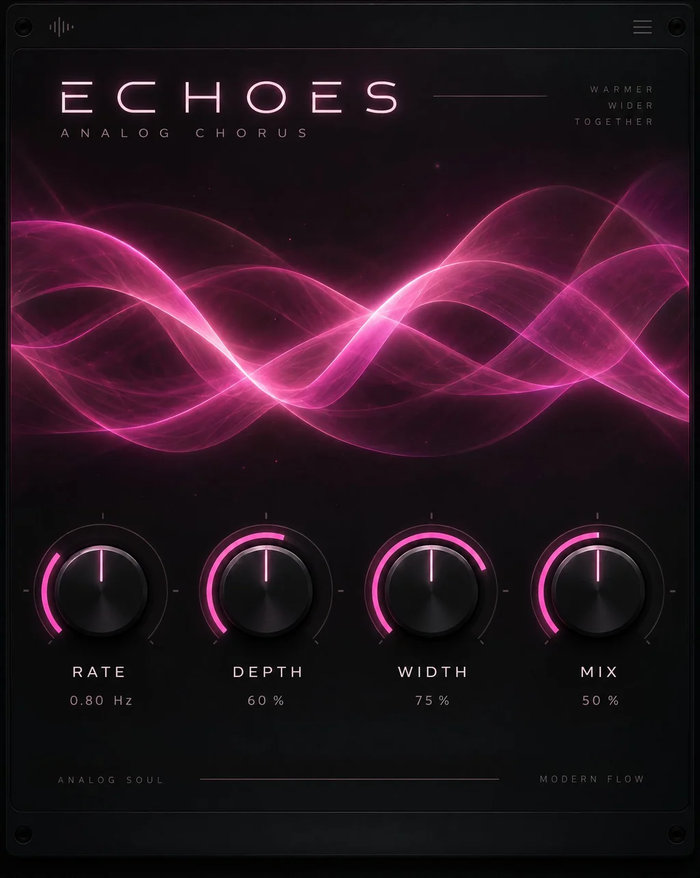
Every TuneDrip plugin works in Logic Pro












Why AU for Logic Pro
Logic Pro only loads Audio Units, so the AU version is the one to use. The macOS installer adds the VST3 version too, for other hosts on the same Mac; Logic simply ignores it. Both versions share the same presets.
Vocal production in Logic
Put Tune Live first on a lead vocal for real-time correction, then VoxShift for the full chain, or build it yourself with Smooth for harshness, Aura for air and Drift for space. Harmony and Choir create backing parts from the same region, and Pivot shifts pitch and formant separately for doubles and adlibs. Every plugin responds to Logic's automation and Smart Controls.
Licensing
One key per plugin: Lifetime license · 3 computers · free 1.x updates · upgrade discounts for owners. Activate once online, then Logic runs the plugin offline. Free editions need no key.
Logic Pro FAQ
Do TuneDrip plugins run natively on Apple Silicon?
Yes. The Audio Units are universal binaries: native on M-series Macs and on Intel Macs, macOS 12 or later.
A plugin shows as 'failed validation'. What do I do?
Open Logic Pro › Settings › Plug-in Manager, select the TuneDrip plugin and click Reset & Rescan Selection, then restart Logic.
Can I use them in MainStage?
MainStage loads the same Audio Units, so the plugins appear there too after installation.
TuneDrip plugins in other DAWs
Questions about installation? See Downloads & installation or write to info@tunedrip.com.