
Install TuneDrip plugins in Reaper
In Reaper, use the VST3 version. Mac: macOS 12 or later, Apple Silicon and Intel (the pkg installs it in /Library/Audio/Plug-Ins/VST3). Windows: 10 or 11, 64-bit.
- Install the plugin: Mac pkg, or copy the .vst3 folder into C:\Program Files\Common Files\VST3 on Windows.
- In Reaper, open Options › Preferences › Plug-ins › VST, check that the VST3 folder is in the plug-in paths and click Re-scan.
- Click the FX button of a track, type TuneDrip in the filter box and add the plugin; for instruments, insert a virtual instrument on a new track.
Every TuneDrip plugin works in Reaper


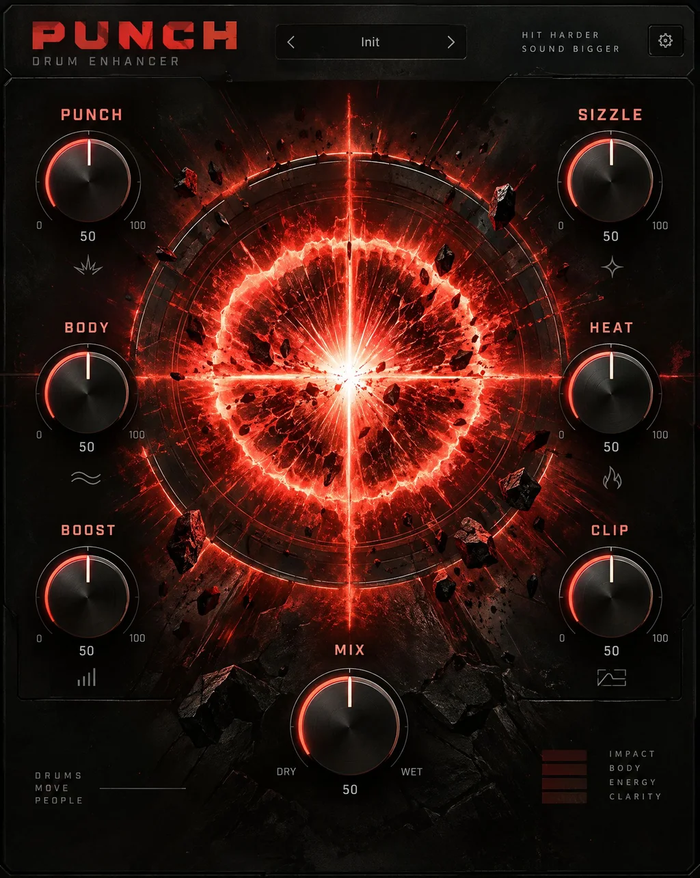


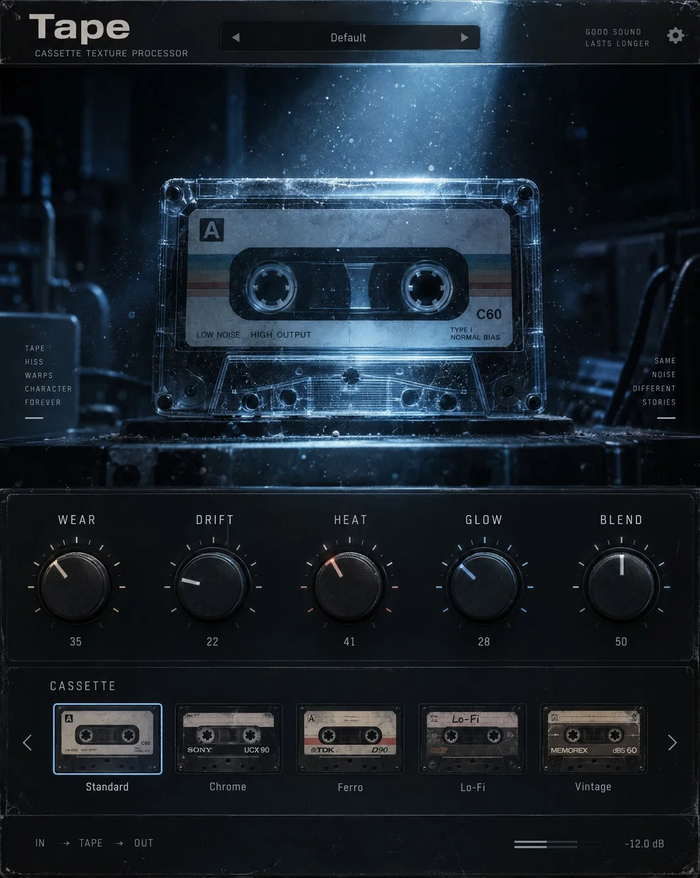


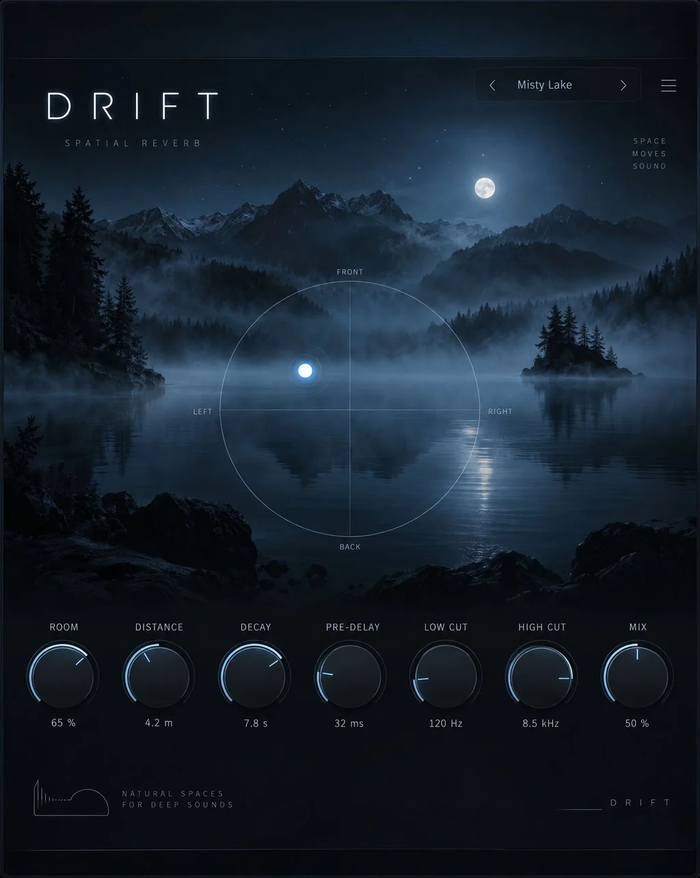


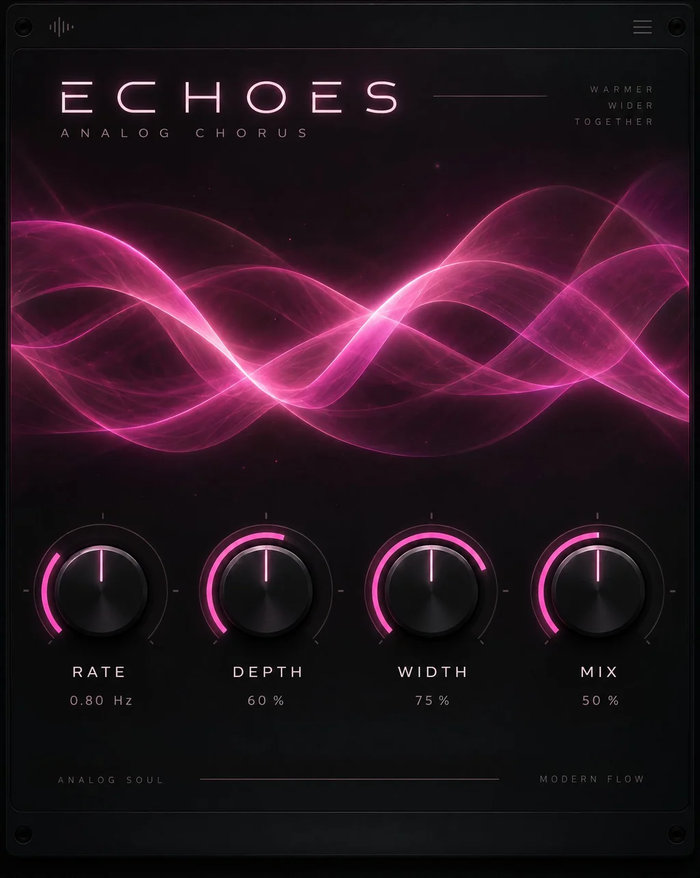




Which version to use in Reaper
Use the VST3 version on both systems. Reaper can host other formats too, but VST3 keeps one plugin list and one preset set across Mac and Windows projects.
Light on CPU, deep on control
TuneDrip plugins are written for low latency, so you can track through Tune Live or VoxShift while recording. Reaper's parameter modulation works on every control: link Sweep's storm amount to an LFO, drive Aura's air from an audio control signal, or map Flare's controls with MIDI learn.
Templates and routing
Build a vocal track template with Tune Live, VoxShift and a send to Drift, or a drum bus template with Punch and Grit, and every new song starts from your sound. On a stereo bus, Mirage and Echoes give pitched and analog-style echoes; on a parallel track, Ghost turns any phrase into a reverse-reverb transition before the drop.
Licensing
One key per plugin: Lifetime license · 3 computers · free 1.x updates · upgrade discounts for owners. Activate once online, then Reaper runs the plugin offline. Free editions need no key.
Reaper FAQ
Do the plugins work with Reaper's evaluation version?
Yes. Reaper's full feature set is available while you evaluate it, including third-party VST3 plugins.
I don't see the plugin in the FX browser.
Open Preferences › Plug-ins › VST, add C:\Program Files\Common Files\VST3 (Windows) or /Library/Audio/Plug-Ins/VST3 (Mac) if missing and click Re-scan.
Can I use the plugins on Linux?
Not yet. TuneDrip plugins are available for macOS and Windows.
TuneDrip plugins in other DAWs
Questions about installation? See Downloads & installation or write to info@tunedrip.com.