
Install TuneDrip plugins in Ableton Live
In Ableton Live, use the VST3 version. Mac: macOS 12 or later, Apple Silicon and Intel (the pkg installs it in /Library/Audio/Plug-Ins/VST3). Windows: 10 or 11, 64-bit.
- Run the TuneDrip installer (Mac pkg) or copy the .vst3 folder into C:\Program Files\Common Files\VST3 (Windows).
- In Live, open Settings › Plug-Ins, switch on Use VST3 Plug-In System Folders and click Rescan.
- Open the Browser › Plug-Ins › TuneDrip and drag the plugin onto an audio track, a return or a MIDI track (instruments).
Every TuneDrip plugin works in Ableton Live


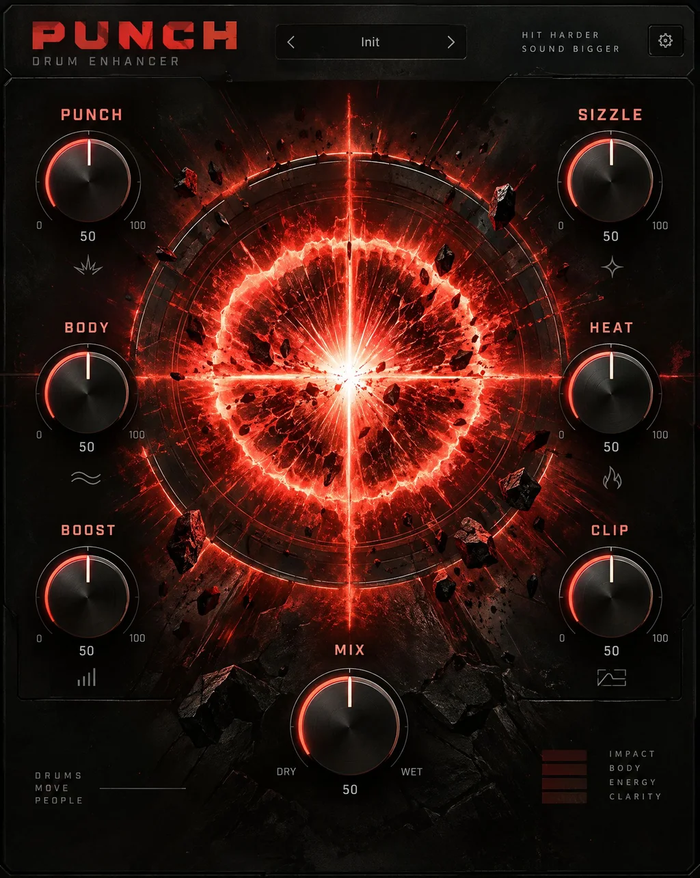


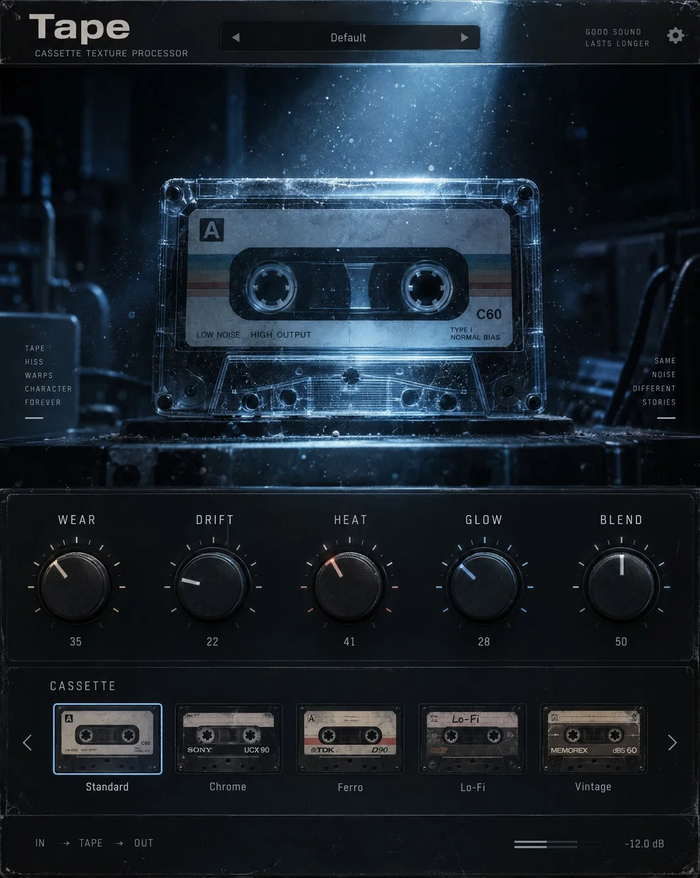


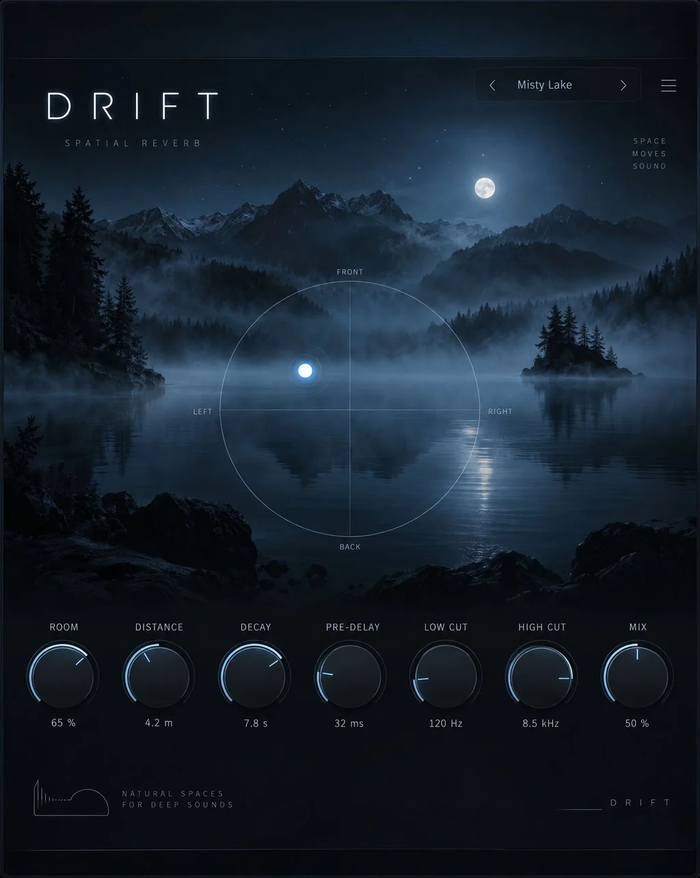


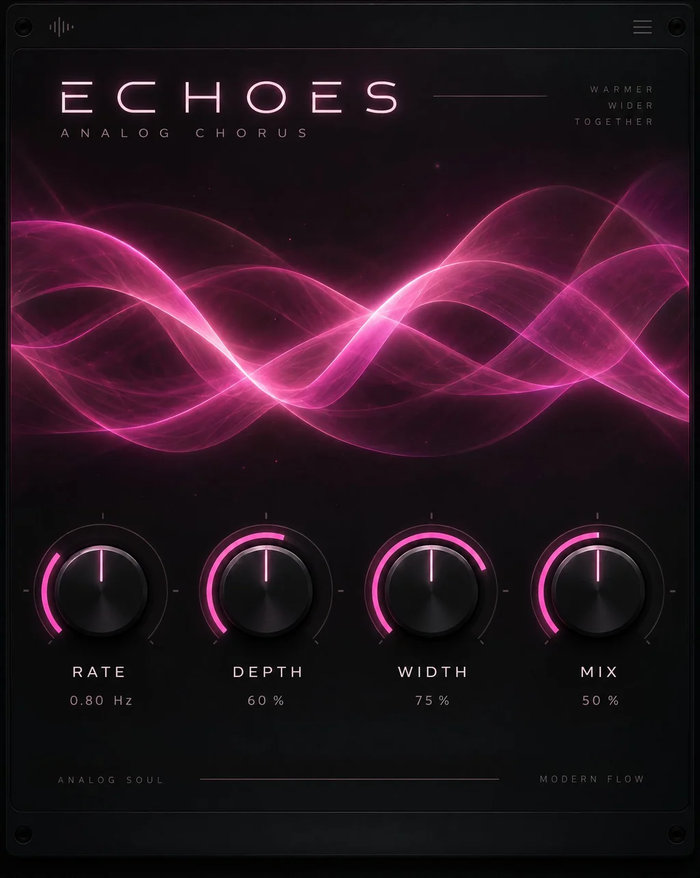




Which version to use in Live
Use the VST3 version on both systems. Live on macOS can also host the AU version, but VST3 keeps your sets identical between a Mac in the studio and a Windows laptop on stage: same plugin, same presets, same parameter names for automation and Push.
Built for the way Live is used
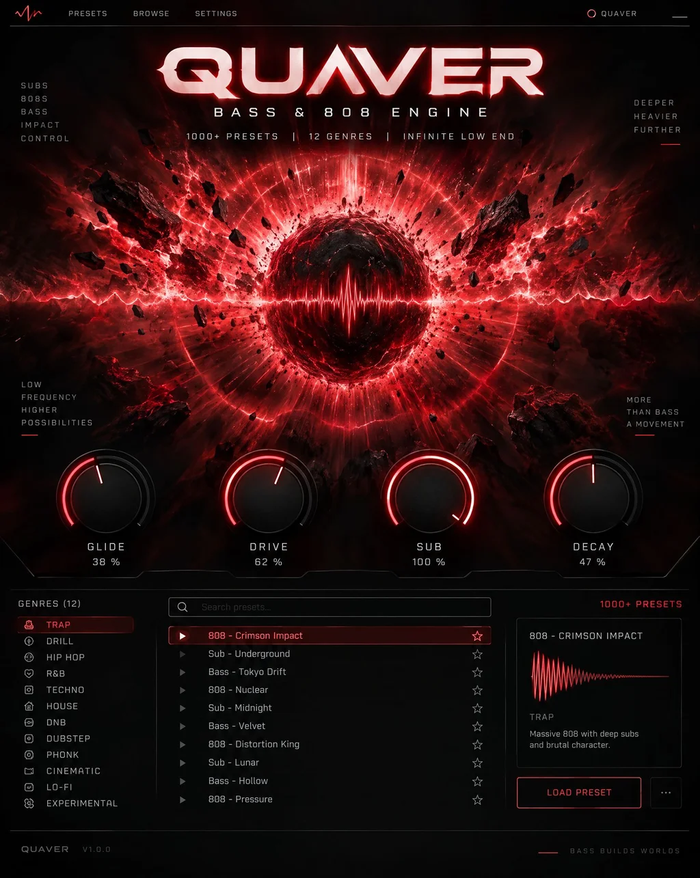
Effects like Strobe, Relay and Flare lock to Live's tempo, so gates, repeats and step sequences follow your warped clips. Instruments (Atlas, Arcade, Pixel, Ripple, Quaver) play from MIDI clips, Live's arpeggiator and any MIDI keyboard. Map any knob to a Rack macro: every control is exposed to Live with a readable name.
Licensing
One key per plugin: Lifetime license · 3 computers · free 1.x updates · upgrade discounts for owners. Activate once online, then Live runs the plugin offline. Free editions (Echoes Free, Cloudburst Free, Atlas Free and Tonic) need no key at all.
Ableton Live FAQ
Does it work in Live Lite, Intro, Standard and Suite?
Yes. Every edition of Live 10, 11 and 12 that can load third-party plug-ins loads TuneDrip VST3 plugins.
The plugin does not show up in Live. What should I check?
Make sure the VST3 system folders option is on in Settings › Plug-Ins, then click Rescan. On Windows, the .vst3 folder must sit in C:\Program Files\Common Files\VST3.
Can I use the plugins on Push or in Racks?
Yes. Group a TuneDrip plugin in an Audio Effect or Instrument Rack, configure its parameters and map them to macros; Push shows the mapped controls.
TuneDrip plugins in other DAWs
Questions about installation? See Downloads & installation or write to info@tunedrip.com.