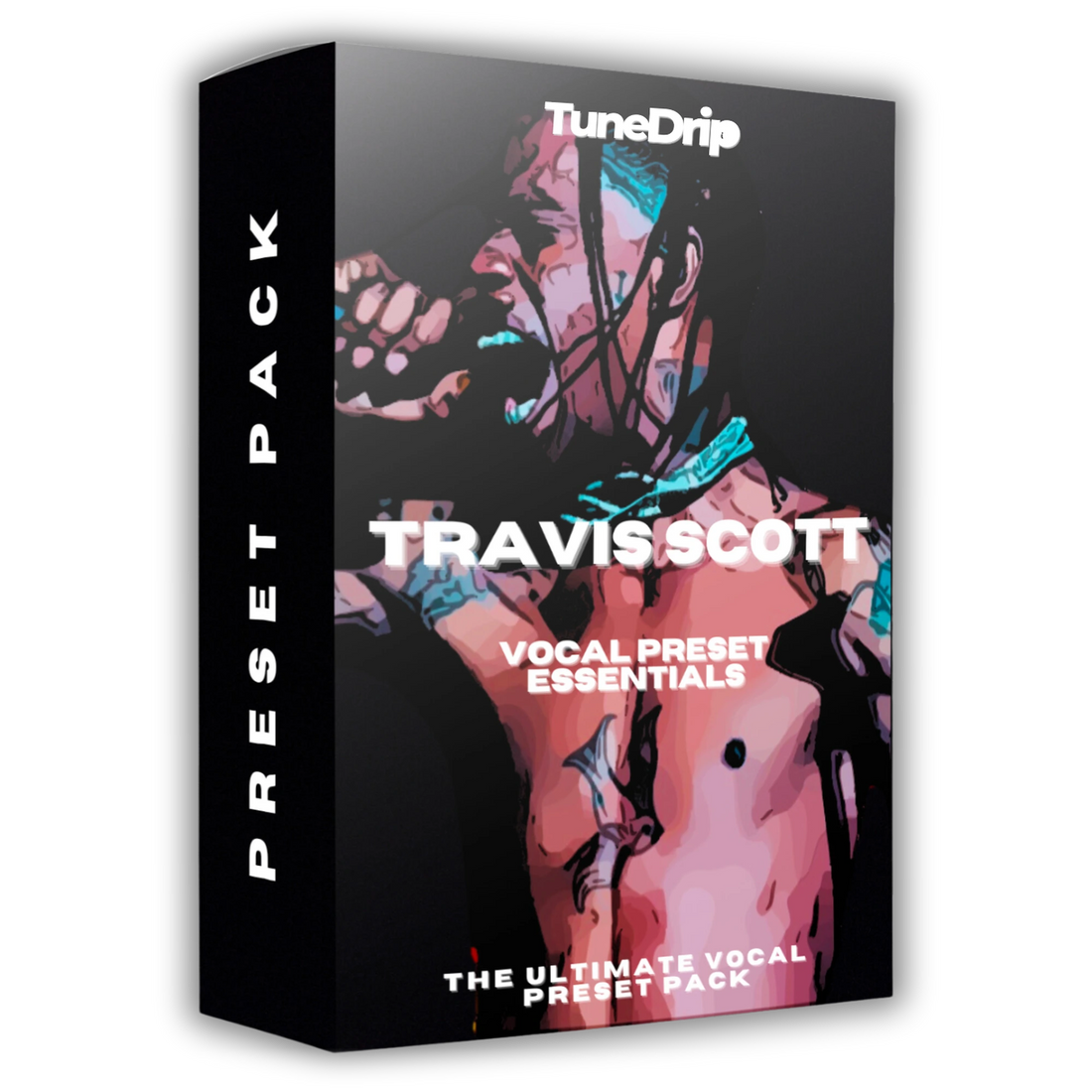
Vocal Preset Pack
Travis Scott - Vocal Preset Essentials
- 10 DAWs
- Waves
- UAD
- Trap
- 5 vocal chains
Instant download · Secure checkout · One version per DAW, chosen above
Hear it
4 audio previews from this pack. Flip between before and after while it plays.
Watch it
Video from the product page.
What's inside
Read from the files delivered with this pack.
Singing
Vocal chain · in every version
- Waves version
- F6 → C1 Comp → RVox → DeEsser → H-Delay → RVerb
- UAD version
- Oxford EQ → API 2500 → SSL E Channel Strip → SPL TwinTube → Precision De-Esser → Pure Plate
Rap
Vocal chain · in every version
- Waves version
- F6 → C1 Comp → RVox → DeEsser → RVerb
- UAD version
- Oxford EQ → API 2500 → SSL E Channel Strip → SPL TwinTube → Precision De-Esser → Pure Plate
Doubles
Vocal chain · in every version
- Waves version
- F6 → C1 Comp → RVox → DeEsser → Doubler4 → RVerb
- UAD version
- Oxford EQ → API 2500 → SSL E Channel Strip → SPL TwinTube → Precision De-Esser → Brigade Chorus → Pure Plate
Adlibs
Vocal chain · in every version
- Waves version
- F6 → C1 Comp → RVox → DeEsser → H-Delay → RVerb
- UAD version
- Oxford EQ → API 2500 → Fairchild 670 → Precision De-Esser → Brigade Chorus → Pure Plate
SFX
Vocal chain · in every version
- Waves version
- F6 → C1 Comp → RVox → Magma Lil Tube → DeEsser → Doubler4 → RVerb
- UAD version
- Oxford EQ → API 2500 → SSL E Channel Strip → Fairchild 670 → Precision De-Esser → SPL TwinTube → Pure Plate
| Version | File format | Files |
|---|---|---|
| Pro Tools | .ptxp | 5 |
| Logic Pro | .cst | 5 |
| Studio One | .multipreset | 5 |
| Cubase | .fxchainpreset | 5 |
| Reaper | .rfxchain | 5 |
| GarageBand | .cst, .plist | 10 |
| Mixcraft | .preset | 5 |
| Cakewalk | .fxc | 5 |
| Waves | .xps | 30 |
| UAD | .fxp | 33 |
About this pack
Travis Scott Vocal Preset Pack — The Psychedelic Trap Sound
Travis Scott didn't just make music — he built a sonic universe. From the warped autotune swells of Rodeo to the stadium-filling atmospheric rap of Astroworld, his vocal production is defined by one quality: immersion. Every setting in his chain is designed to make vocals feel like they're floating inside the beat, not on top of it.
This preset pack captures Travis Scott's signature vocal processing chain — the pitch correction style, the cathedral reverb, the distortion layers, and the delay throws that made his sound the blueprint for a generation of trap producers.
What's Inside the Preset Pack
- Hard-Tuned Pitch Correction — The fast-retune autotune swells and pitch-locked chops that define his melodic rap delivery
- Cathedral Reverb Settings — His signature cavernous, long-tail reverb that puts vocals inside the atmosphere rather than in front of it
- Delay Throws & Echos — The rhythmic delay patterns he uses to create that falling, floating vocal effect on ad-libs
- Distortion & Saturation Layer — The controlled harmonic distortion that adds grit and edge to his vocal tone
- Lo-Fi Texture Mode — The filtered, telephone-eq processing he uses on atmospheric moments
- Ad-lib Chain — Separate preset setting optimized for his signature high-pitched, reverb-drenched ad-libs
DAW Compatibility
Choose the version for your setup — stock plugins only, no paid VSTs required:
- ✅ FL Studio 21 — Stock plugins (Fruity Parametric EQ 2, Fruity Reverb 2, Pitcher)
- ✅ Ableton Live Suite 11+ — Stock plugins (EQ Eight, Reverb, Redux, Echo)
- ✅ Logic Pro X — Stock plugins (Channel EQ, ChromaVerb, Vintage Delay)
- ✅ Waves Plugin Version — Requires Waves Vocal Production Suite
If you use Ableton Live, our Ableton presets library for all artist-specific racks in .adg format.
Who This Is For
Built for trap, rap, and experimental artists who want:
- The Travis Scott atmospheric, immersive vocal sound without hours of trial and error
- A chain that works on both main vocals and ad-lib tracks
- The psychedelic trap aesthetic dialed in from the first take
How to Use It
- Download and extract the preset for your DAW
- Load the "Main Vocal" preset onto your lead vocal track
- Load the "Ad-Lib" preset onto a second track for your ad-libs
- Adjust pitch correction retune speed — faster = harder autotune effect
- Use the reverb send to control how far "inside" the beat the vocal sits
- For the signature delay throw: automate the delay wet/dry on specific words
All presets are royalty-free. Use them on commercial releases with no additional licensing fees.
Frequently Asked Questions
What autotune settings does Travis Scott use?
Travis primarily uses Antares Auto-Tune with a fast retune speed (around 0–10ms) for his signature pitch-locked effect. This preset replicates that behavior using your DAW's stock pitch correction — no Antares required.
Can I get the "ad-lib" sound specifically?
Yes — this pack includes a dedicated ad-lib preset setting with the high-pitched, wet reverb configuration he uses for his signature "straight up!" and atmospheric background vocals.
Is this good for melodic trap specifically?
This preset is optimized for exactly that genre. The combination of hard pitch correction, long reverb, and delay throws is the defining characteristic of modern melodic trap vocals.
Requirements & installation
From the product sheet and the TuneDrip guides.
Requirements
- DAW versions: Pro Tools, Logic Pro, FL Studio, Ableton Live, Studio One, Cubase, Reaper, GarageBand, Mixcraft, Cakewalk
- DAW versions use: the stock plugins of each DAW (Plugins required, Compatibility)
- Waves version: F6, C1 Comp, RVox, DeEsser, H-Delay, RVerb, Doubler4, Magma Lil Tube
- UAD version: Oxford EQ, API 2500, SSL E Channel Strip, SPL TwinTube, Precision De-Esser, Pure Plate, Brigade Chorus, Fairchild 670
How to install
Step-by-step guide for your DAW:
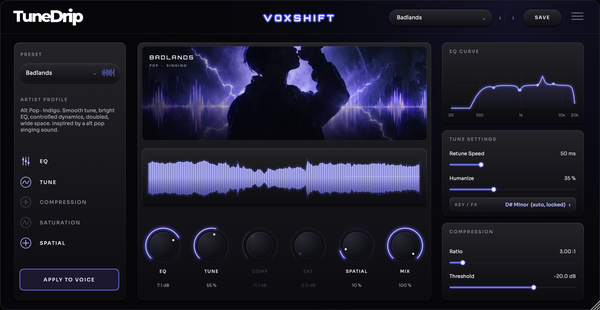
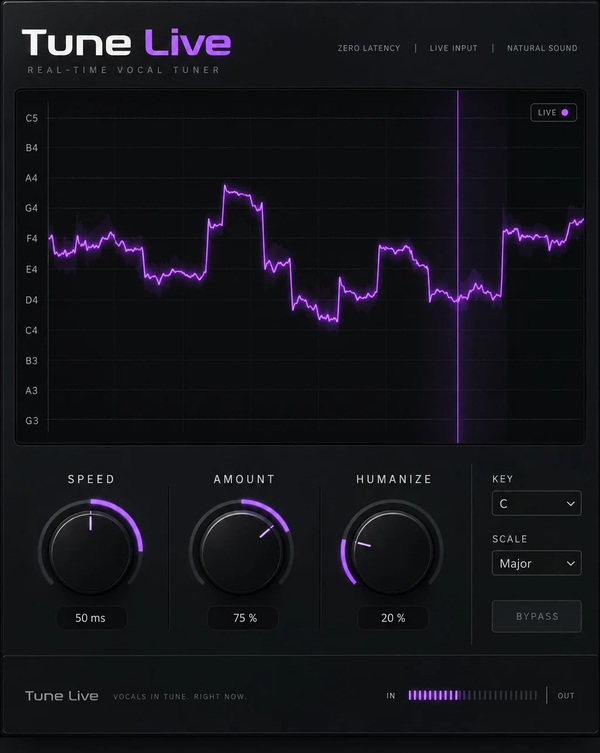
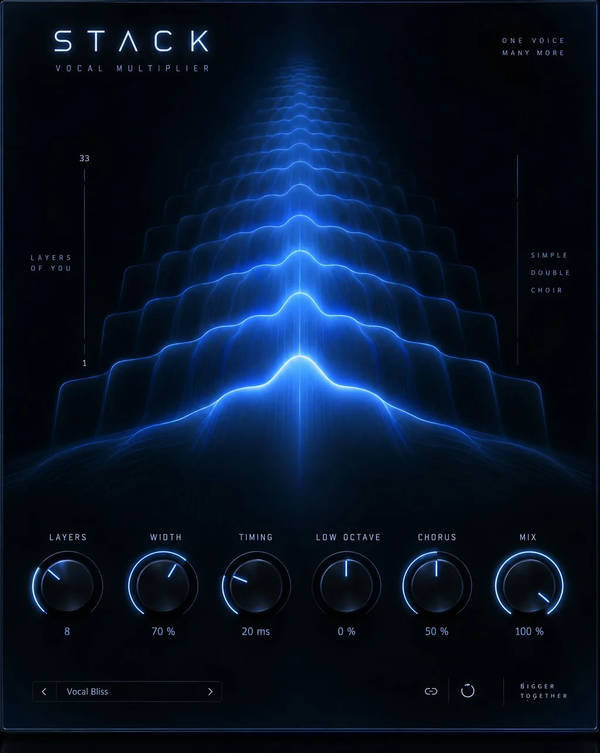
Pair it with TuneDrip plugins
Plugins suggested on this page for the same style.
Frequently asked questions
Any other question? Write to info@tunedrip.com.
What's in the pack?
5 vocal chains: Singing, Rap, Doubles, Adlibs and SFX. Each DAW version contains the same 5 chains as presets for that DAW.
Which versions can I choose?
Pick your version at checkout: Pro Tools, Logic Pro, FL Studio, Ableton Live, Studio One, Cubase, Reaper, GarageBand, Mixcraft and Cakewalk, or the Waves and UAD versions. You get the files for the version you choose.
Do I need third-party plugins?
Not for the DAW versions: they are built with the stock plugins of each DAW. The Waves version uses F6, C1 Comp, RVox, DeEsser, H-Delay, RVerb, Doubler4 and Magma Lil Tube. The UAD version uses Oxford EQ, API 2500, SSL E Channel Strip, SPL TwinTube, Precision De-Esser, Pure Plate, Brigade Chorus and Fairchild 670.
Which file formats are included?
Pro Tools: .ptxp · Logic Pro: .cst · Studio One: .multipreset · Cubase: .fxchainpreset · Reaper: .rfxchain · GarageBand: .cst, .plist · Mixcraft: .preset · Cakewalk: .fxc · Waves: .xps · UAD: .fxp.
How do I install the presets?
Follow the installation guide for your DAW (Pro Tools: tunedrip.com/pages/how-to-install-vocal-preset-in-pro-tools; Logic Pro: tunedrip.com/pages/how-to-install-a-vocal-preset-in-logic-pro-x; FL Studio: tunedrip.com/pages/how-to-install-a-vocal-preset-in-fl-studio; Ableton Live: tunedrip.com/pages/how-to-install-vocal-preset-in-ableton-live and more). All guides: tunedrip.com/pages/how-to-install-our-vocal-presets.
What are vocal presets?
Ready-made effect chains that make your vocals sound polished instantly.
Can I edit the presets?
Absolutely — you can tweak every setting to match your voice and style.
You may also like
More Trap vocal preset packs first.