Vocal Preset Pack
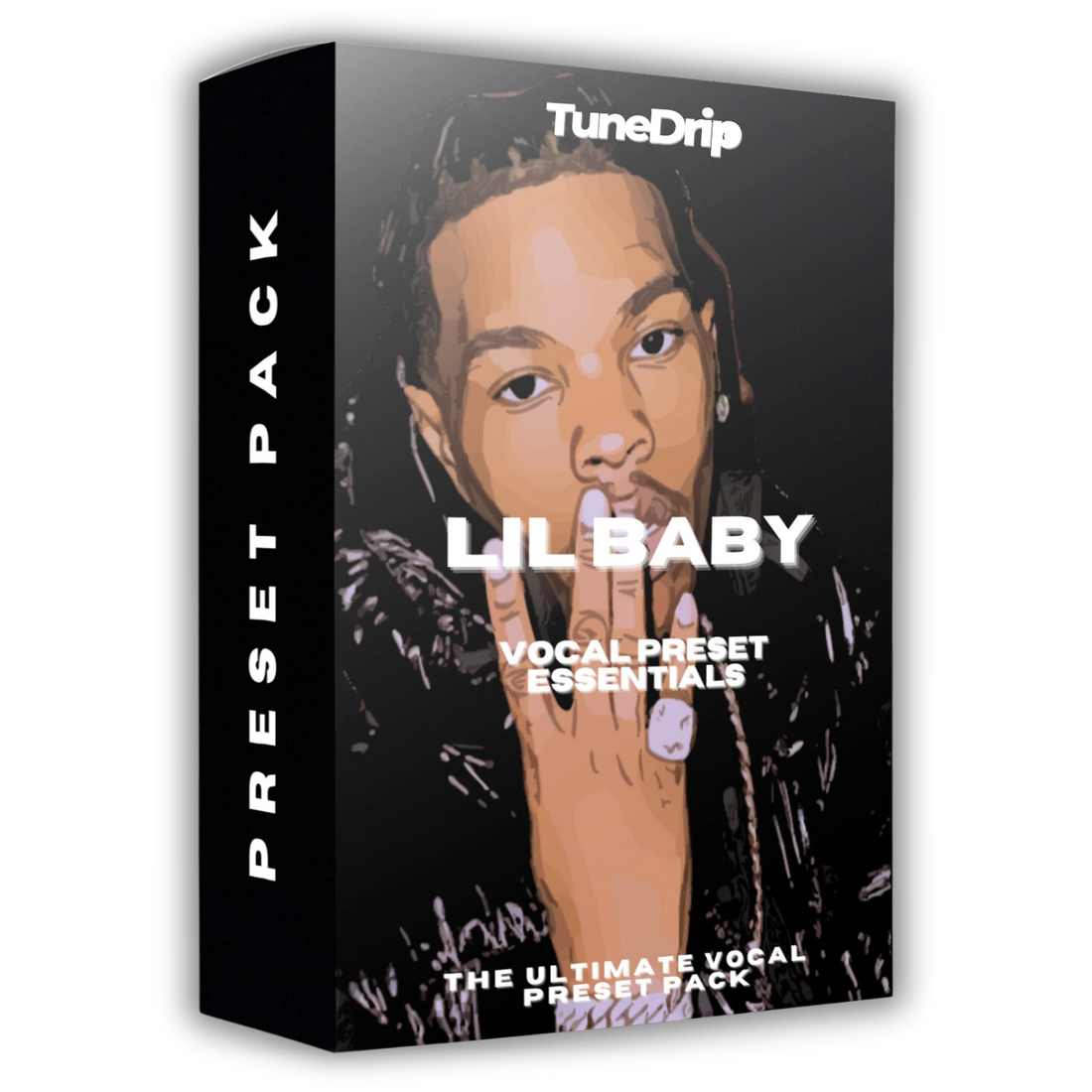
Lil Baby - Vocal Preset Essentials
- 10 DAWs
- Waves
- UAD
- Trap
- 5 vocal chains
Instant download · Secure checkout · One version per DAW, chosen above
Hear it
4 audio previews from this pack. Flip between before and after while it plays.
Watch it
Video from the product page.
What's inside
Read from the files delivered with this pack.
Singing
Vocal chain · in every version
- Waves version
- F6 → C1 Comp → RVox → DeEsser → Magma Lil Tube → RVerb → StudioVerse Audio Effects Stereo - 01 Singing → StudioVerse Audio Effects Stereo - 02 Singing
Rap
Vocal chain · in every version
- Waves version
- F6 → C1 Comp → RVox → Magma Lil Tube → DeEsser → RVerb → StudioVerse Audio Effects Stereo - 01 Rap → StudioVerse Audio Effects Stereo - 02 Rap
Doubles
Vocal chain · in every version
- Waves version
- F6 → C1 Comp → RVox → DeEsser → Magma Lil Tube → RVerb → StudioVerse Audio Effects Stereo - 01 Doubles → Doubler2 → StudioVerse Audio Effects Stereo - 02 Doubles
Adlibs
Vocal chain · in every version
- Waves version
- F6 → C1 Comp → RVox → DeEsser → Magma Lil Tube → Doubler4 → RVerb → H-Delay → StudioVerse Audio Effects Stereo - 02 Adlibs
SFX
Vocal chain · in every version
- Waves version
- F6 → C1 Comp → RVox → Magma Lil Tube → DeEsser → RVerb → H-Delay → StudioVerse Audio Effects Stereo - 01 SFX → UltraPitch Shift Mono-Stereo → Doubler4 → L1 Limiter → StudioVerse Audio Effects Stereo - 02 SFX
| Version | File format | Files |
|---|---|---|
| FL Studio | .fst | 10 |
| Ableton Live | .adg | 10 |
| GarageBand | .cst, .plist | 20 |
| Cakewalk | .fxc | 10 |
| Waves | .rtf, .xps | 75 |
About this pack
Lil Baby Vocal Preset Pack — Sound Like Lil Baby in FL Studio, Ableton & Logic Pro
Lil Baby's vocals hit different. That punchy, confident cadence — sitting right on the beat, heavily pitch-corrected but melodic, with a slightly distorted edge that cuts through the mix without ever feeling harsh. It's a sound that defined trap in the late 2010s and still dominates the charts.
This preset pack reverse-engineers Lil Baby's vocal chain so you can load the exact same sound into your DAW and start recording immediately — no guessing, no hour-long mixing sessions.
What's Inside the Preset Pack
- Auto-Tune / Melodyne settings — Lil Baby's signature pitch-correction speed and retune depth, dialed in per key
- Compression profile — fast attack, medium release. That tight, punchy character that keeps vocals locked to the beat
- EQ curve — cuts muddiness in the low-mids, boosts presence in the 3-5kHz range for that forward, in-your-face vocal
- Reverb & delay settings — short, controlled room reverb. Nothing washy, keeps the vocal intimate and direct
- Saturation / harmonic drive — subtle analog warmth that adds edge without distortion
- Full signal chain breakdown — understand every setting, not just copy-paste
Compatible With Your DAW
Every preset is built using stock plugins — no paid software required. Full compatibility with:
- FL Studio (Fruity Parametric EQ 2, Fruity Love Philter, Pitcher)
- Ableton Live (EQ Eight, Compressor, Auto Filter)
- Logic Pro X (Channel EQ, Vintage VCA, ChromaVerb)
- GarageBand (compatible with Logic Pro preset architecture)
- Pro Tools, Reaper, Studio One (signal chain PDF + plugin equivalents included)
Who This Is For
Producers and artists who want to capture Lil Baby's sound for trap, melodic rap, and street rap productions. Whether you're recording artists in the studio or tracking your own vocals at home, this preset pack gets you there in minutes.
Frequently Asked Questions
Do I need Auto-Tune to use this preset?
No. The preset works with Melodyne, built-in pitch correction in Logic Pro or FL Studio, and auto-tune alternatives like GSnap (free).
Will this work on my voice?
Yes. The settings are calibrated for male rap vocals but include adjustment guides for different voice types and recording environments.
Does it include acapellas or stems?
No — it's a vocal preset pack, not a sample pack. You get the exact settings to process your own vocals.
Requirements & installation
From the product sheet and the TuneDrip guides.
Requirements
- DAW versions: Pro Tools, Logic Pro, FL Studio, Ableton Live, Studio One, Cubase, Reaper, GarageBand, Mixcraft, Cakewalk
- DAW versions use: the stock plugins of each DAW (Plugins required, Compatibility)
- Waves version: F6, C1 Comp, RVox, DeEsser, Magma Lil Tube, RVerb, StudioVerse Audio Effects Stereo - 01 Singing, StudioVerse Audio Effects Stereo - 02 Singing, StudioVerse Audio Effects Stereo - 01 Rap, StudioVerse Audio Effects Stereo - 02 Rap, StudioVerse Audio Effects Stereo - 01 Doubles, Doubler2, StudioVerse Audio Effects Stereo - 02 Doubles, Doubler4, H-Delay, StudioVerse Audio Effects Stereo - 02 Adlibs, StudioVerse Audio Effects Stereo - 01 SFX, UltraPitch Shift Mono-Stereo, L1 Limiter, StudioVerse Audio Effects Stereo - 02 SFX
How to install
Step-by-step guide for your DAW:
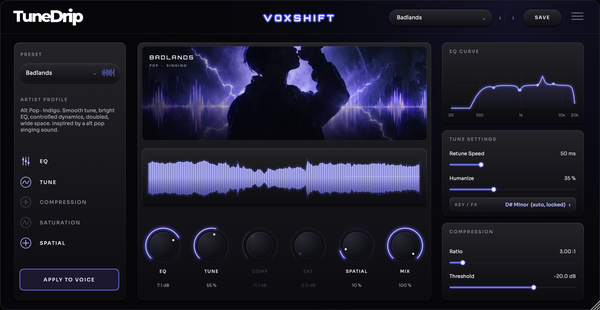
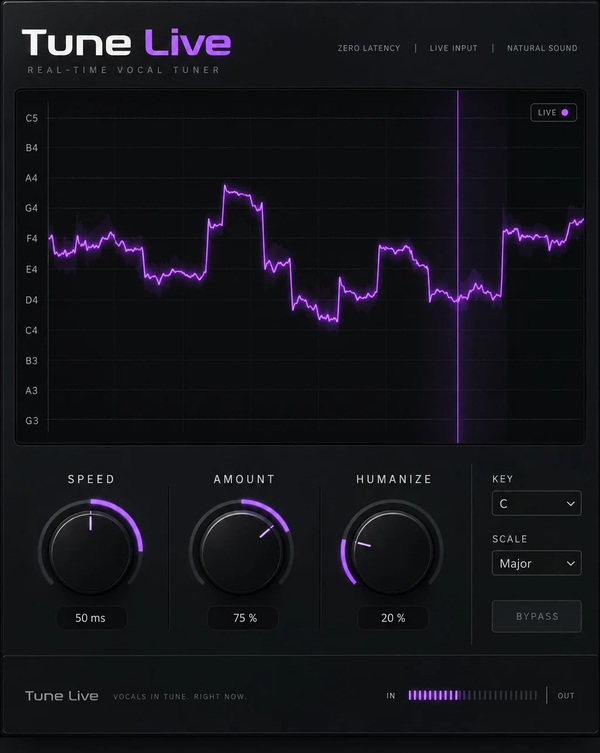
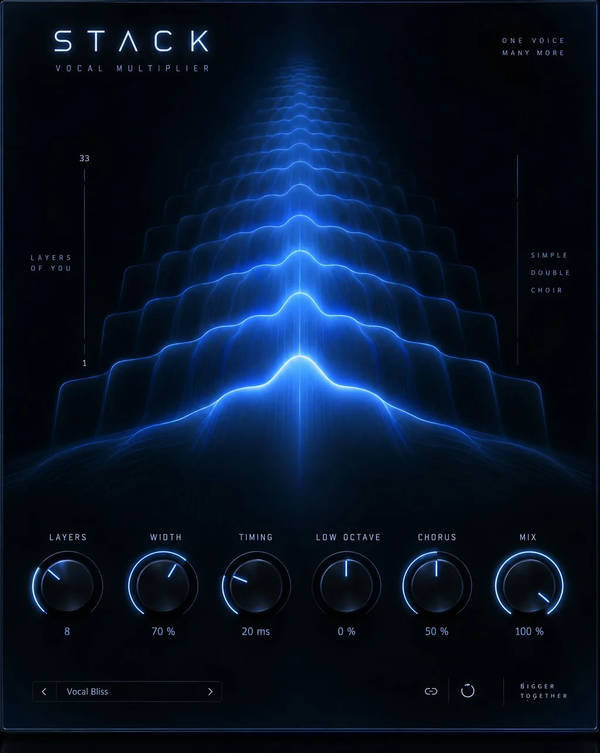
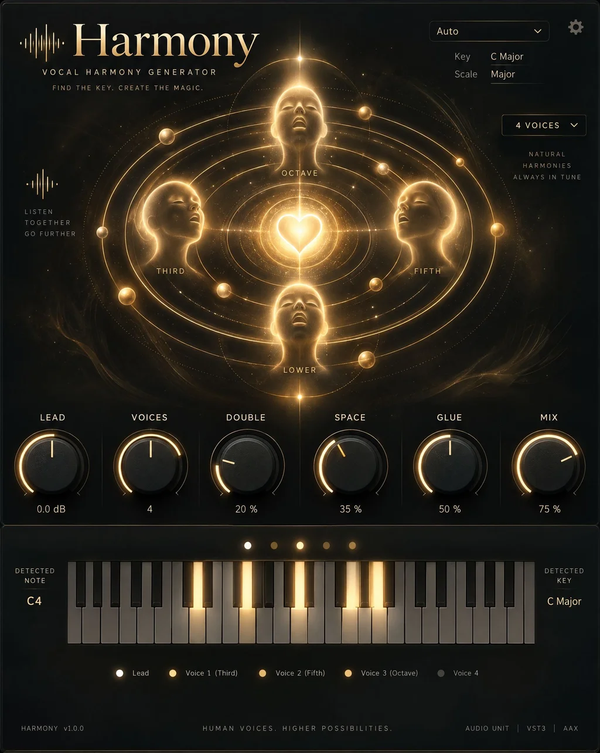
Pair it with TuneDrip plugins
Plugins suggested on this page for the same style.
Frequently asked questions
Any other question? Write to info@tunedrip.com.
What's in the pack?
5 vocal chains: Singing, Rap, Doubles, Adlibs and SFX. Each DAW version contains the same 5 chains as presets for that DAW.
Which versions can I choose?
Pick your version at checkout: Pro Tools, Logic Pro, FL Studio, Ableton Live, Studio One, Cubase, Reaper, GarageBand, Mixcraft and Cakewalk, or the Waves and UAD versions. You get the files for the version you choose.
Do I need third-party plugins?
Not for the DAW versions: they are built with the stock plugins of each DAW. The Waves version uses F6, C1 Comp, RVox, DeEsser, Magma Lil Tube, RVerb, StudioVerse Audio Effects Stereo - 01 Singing, StudioVerse Audio Effects Stereo - 02 Singing, StudioVerse Audio Effects Stereo - 01 Rap, StudioVerse Audio Effects Stereo - 02 Rap, StudioVerse Audio Effects Stereo - 01 Doubles, Doubler2, StudioVerse Audio Effects Stereo - 02 Doubles, Doubler4, H-Delay, StudioVerse Audio Effects Stereo - 02 Adlibs, StudioVerse Audio Effects Stereo - 01 SFX, UltraPitch Shift Mono-Stereo, L1 Limiter and StudioVerse Audio Effects Stereo - 02 SFX.
Which file formats are included?
FL Studio: .fst · Ableton Live: .adg · GarageBand: .cst, .plist · Cakewalk: .fxc · Waves: .rtf, .xps.
How do I install the presets?
Follow the installation guide for your DAW (Pro Tools: tunedrip.com/pages/how-to-install-vocal-preset-in-pro-tools; Logic Pro: tunedrip.com/pages/how-to-install-a-vocal-preset-in-logic-pro-x; FL Studio: tunedrip.com/pages/how-to-install-a-vocal-preset-in-fl-studio; Ableton Live: tunedrip.com/pages/how-to-install-vocal-preset-in-ableton-live and more). All guides: tunedrip.com/pages/how-to-install-our-vocal-presets.
What are vocal presets?
Ready-made effect chains that make your vocals sound polished instantly.
Can I edit the presets?
Absolutely — you can tweak every setting to match your voice and style.
You may also like
More Trap vocal preset packs first.