
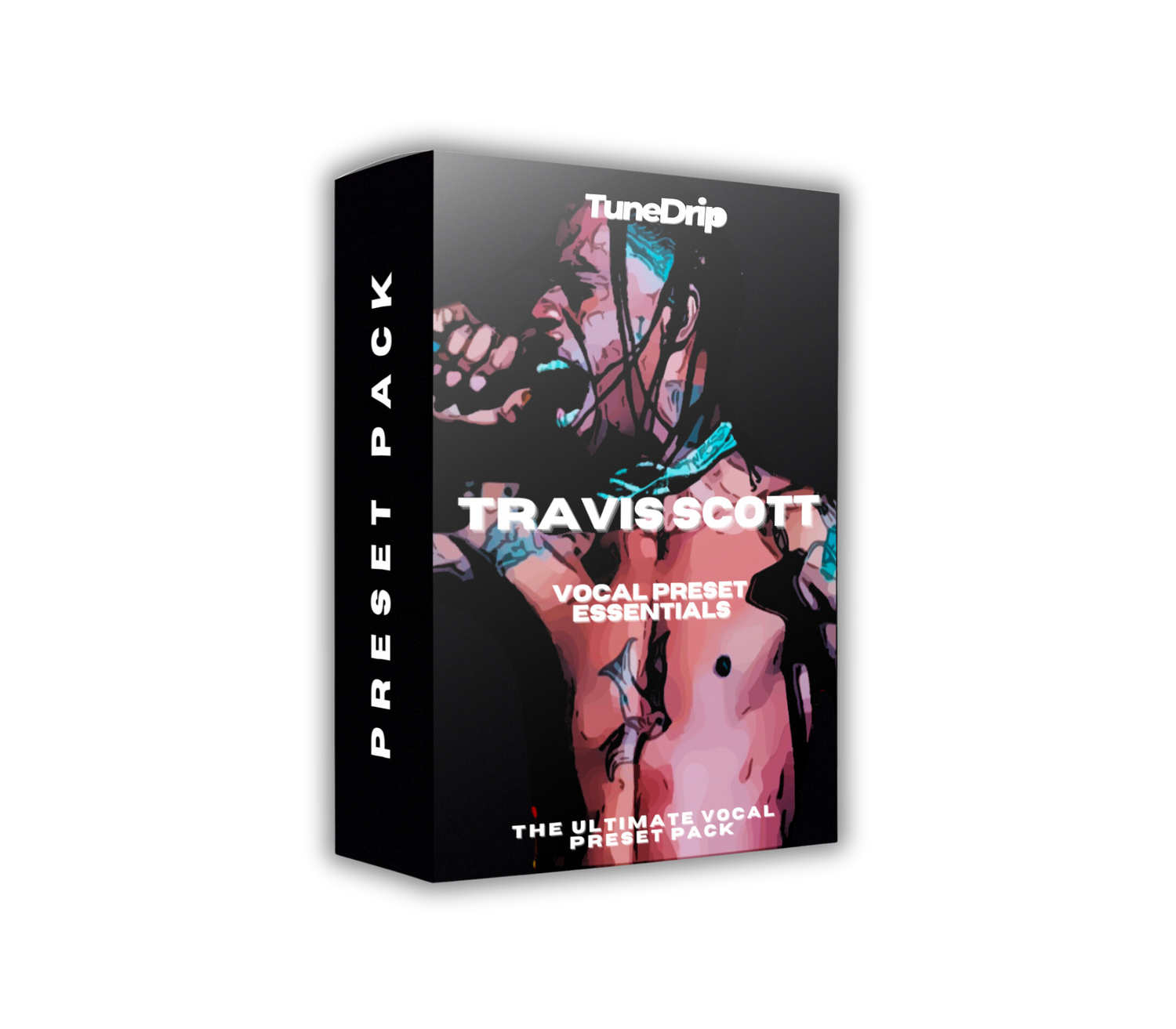
Travis Scott doesn't just mix vocals — he drowns them on purpose. The warped, pitch-bent, half-consumed-by-reverb sound on his records is intentional, and it's one of the most imitated vocal aesthetics in modern trap. But getting it right is harder than it looks. Heavy reverb applied wrong sounds amateur. The Travis sound sounds cinematic.
The difference is in the layering, the pitch work, and specifically in what gets left out of the chain rather than what gets added.
What Makes Travis Scott's Vocals Sound Like That
Auto-Tune is a design element, not a correction tool. Travis runs his pitch correction with a very fast retune speed — typically 0-5ms — which creates the gliding, pitch-shifting effect where notes slide into each other instead of snapping. His vocal doesn't just land on a note; it hunts for it in real time. That unstable melodic quality is the signature. The key setting is also intentional: he often tracks vocals in a key that creates tension with the beat, then the Auto-Tune's attempts to snap to scale create the dissonance he wants.
Reverb is mixed loud — very loud. Most vocal production keeps reverb in the 15-25% range to maintain presence. Travis's reverb is often 35-45% — sometimes higher on background vocal layers. The effect is a voice that feels like it's being heard from inside a spaceship or through a dream. The pre-delay is short (10-15ms) which keeps things dense rather than spacious.
The vocal layers are what hold it together. The lead vocal is actually usually fairly dry and upfront. The "wet" quality comes from underneath — background vocal layers, doubles, and ad-libs that have the heavy reverb, while the lead sits clearly on top. This creates the illusion of total immersion without actually sacrificing lead vocal presence.
Distortion and saturation add texture. Clean vocals would undermine the aesthetic. Travis's chain includes subtle saturation — sometimes more aggressive tape-style saturation — that roughens the edges slightly. Combined with the pitch work, this creates a vocal that sounds like it's being transmitted rather than performed.
The Chain
- Pitch correction: Auto-Tune, retune speed 0-5ms, no Humanize. Key-locked to the session.
- Compression: 4:1 ratio, medium attack (15ms), medium release (80ms). 4-6 dB reduction.
- Saturation: Subtle tape saturation, 10-15% drive. Roughens the tone without distorting.
- EQ: High-pass at 100Hz, cut at 300-400Hz (-3dB) for clarity, presence at 3-4kHz (+2dB).
- Reverb (lead): Dark hall or plate, 1.5-2.5s decay, 10-15ms predelay, mixed at 20-25%.
- Reverb (background layers): Same type, mixed at 35-45%. This is the "Travis texture".
- Delay: Quarter-note delay, mixed at 15-20%. Adds the rhythmic blur effect.
The Presets
- Astroworld Main — The core sound: fast retune, dark reverb, psychedelic space
- Goosebumps Hook — More melodic treatment, longer pitch glides on held notes
- Utopia Stadium — Wide, immersive, built for arena-scale production
- Ad-Lib Machine — The background layer template: heavy reverb, washed out, atmospheric
- Plus 5 variations covering different energy levels and production contexts
All DAWs: FL Studio, Ableton, Logic Pro, GarageBand and more.
Making the Travis Aesthetic Work on Your Records
Commit to the reverb. Half-hearted reverb on a Travis-style vocal sounds muddy, not psychedelic. If you're going for this sound, push the reverb mix further than feels comfortable. 30%+ is the range where the aesthetic actually materializes.
Layer differently than you normally would. Instead of recording tight doubles panned left and right, record looser doubles with slightly different pitch correction settings. The slight variation in how each layer's Auto-Tune reacts creates that layered, unstable quality.
The key choice matters more here than with most artists. Travis's most iconic vocal moments often have a note that sounds slightly "wrong" — tense, unresolved. Experiment with recording in a key that creates that tension with your chord progression, then let the Auto-Tune do the work of hunting toward resolution.
Get the Travis Scott Vocal Preset Essentials — the Astroworld sound in your DAW.





Leave a comment
This site is protected by hCaptcha and the hCaptcha Privacy Policy and Terms of Service apply.