
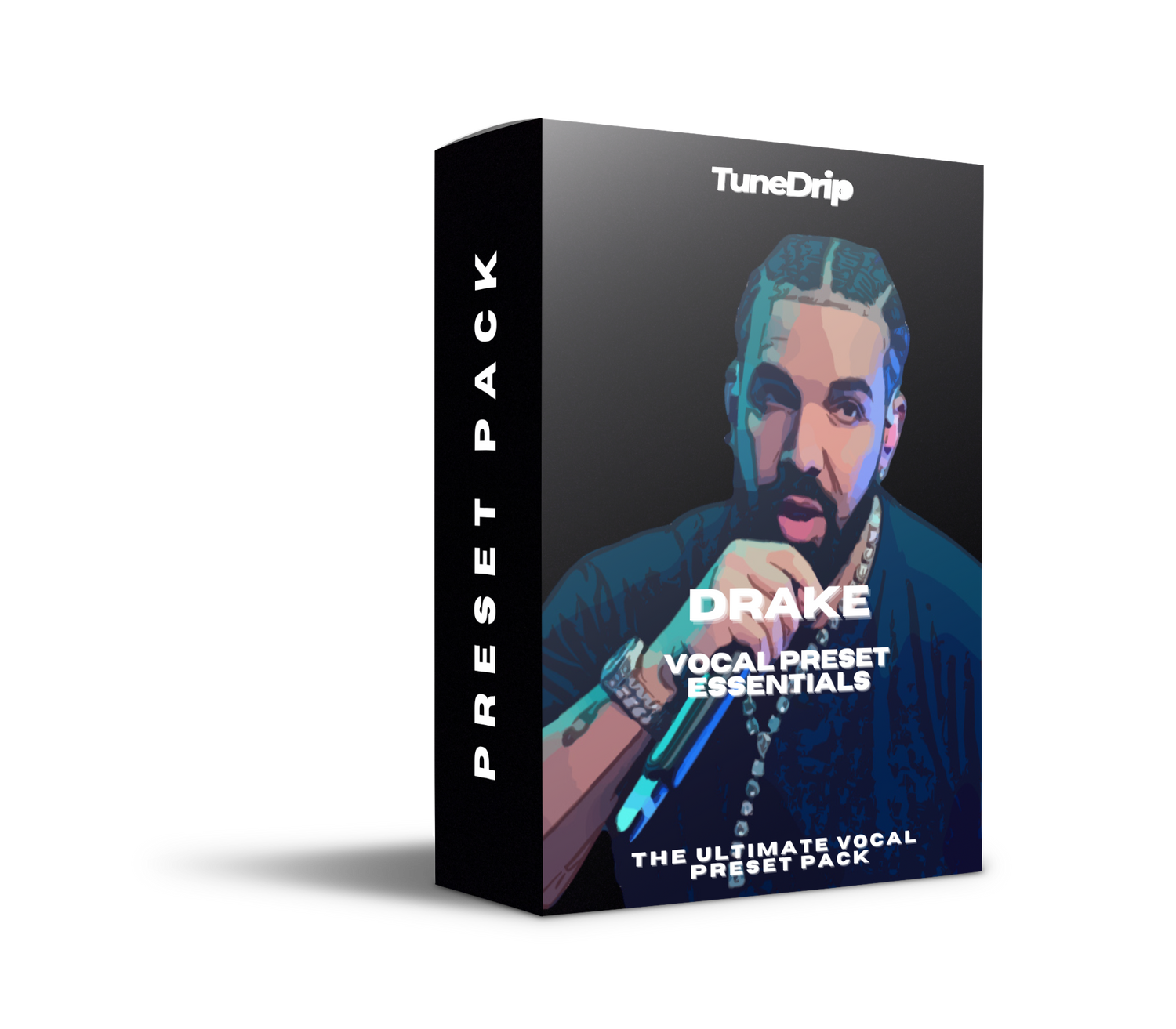
Drake Vocal Preset — The OVO Sound Chain Decoded
Drake's voice doesn't sound like anyone else's — and it's not by accident. Whether it's the warm introspective tone on Take Care, the club-ready clarity of Certified Lover Boy, or the emotional mid-range weight of Her Loss, every era of Drake's vocal sound is engineered with precision. This guide breaks down the full Drake vocal chain and shows you how to replicate it with the TuneDrip Drake Vocal Preset.
The Drake Sound: What You're Actually Hearing
Most producers think Drake's vocal is just "clean with a little reverb." That's wrong. The real signature is a three-part approach:
- Warm low-midrange presence — Drake's voice sits at 250–400Hz with deliberate warmth, not scooped like trap vocals
- Transparent pitch correction — not robotic, not zero. Drake uses pitch correction set to around 20–35ms retune speed. You hear it on emotional moments but it never sounds processed
- Long, diffuse reverb tails — OVO productions use long pre-delay (30–40ms) with a large hall or chamber to create space without washing out the vocal
On top of this: light parallel compression to glue the vocal without squashing the dynamics that make his delivery feel vulnerable.
Drake Vocal Chain Breakdown
Step 1 — EQ (Pre-Compression)
Start with a high-pass filter at 80Hz to clean sub-rumble. Then add a gentle shelf boost at 10kHz (+2–3dB) for air without harshness. The key Drake move: a slight notch cut at 3–4kHz (-1.5dB, narrow Q). This removes the nasal edge that cheap mics or small rooms introduce. The result is the warm, intimate vocal sound that makes his introspective tracks feel personal.
Step 2 — Pitch Correction
Drake's pitch correction is one of the most debated in hip-hop. The answer: he uses Auto-Tune (or Melodyne) at a 20–35ms retune speed, pitched to minor keys (predominantly A minor, D minor, G minor — OVO favors minor key production). This setting catches pitch drift without snapping to the grid, preserving the emotional microtonal movement in his phrasing.
On songs like Marvins Room and Feel No Ways, the retune is slower (40ms+) to let vulnerable moments breathe. On harder tracks like God's Plan, it tightens to 15ms for a more controlled, commercial sound.
Step 3 — Compression
Drake's vocal compression is subtle and program-dependent. The main bus uses an optical-style compressor (LA-2A style) with 3–4dB of gain reduction, slow attack (30ms), auto release. This smooths the dynamics without adding punch — his delivery is more conversational than aggressive.
A second layer: parallel compression at 30–40% wet. This adds density and glue on playback systems that compress the mix further (streaming, Bluetooth speakers, car audio).
Step 4 — EQ (Post-Compression)
Post-comp EQ is where the OVO sound gets its signature. Add a gentle presence boost at 5kHz (+2dB, broad Q) to push the vocal forward in dense mixes. Then a high-shelf boost at 12kHz (+1.5dB) for modern streaming-ready air. This is the frequency profile you hear on Certified Lover Boy — forward but never harsh.
Step 5 — Reverb
OVO's reverb signature is long and diffuse. Use a large hall or chamber reverb with:
- Pre-delay: 30–40ms (creates separation before the tail)
- Decay: 2.5–3.5 seconds
- High-cut on reverb return: 6kHz (darkens the tail, keeps it from smearing)
- Wet mix: 15–20% on the main vocal, 60–80% on a dedicated reverb send
Don't use a plate or room here — the large hall is what makes Drake's vocals feel cinematic even on simple piano-based productions.
Step 6 — Delay
Quarter-note delay with high-pass filter at 300Hz (so only mid/high content echoes back) and about 25% wet. This adds depth without muddying the low end. On emotional tracks, push it to dotted-eighth for a more ethereal wash.
DAW Settings by Platform
| DAW | Pitch Correction | Compressor | Reverb |
|---|---|---|---|
| FL Studio | NewTone / Pitcher (20ms) | Fruity Peak Controller + Parametric EQ2 | Fruity Reeverb 2 (large hall) |
| Logic Pro | Pitch Correction plugin (20ms) | Vintage VCA or LA-2A plugin | ChromaVerb (large room) |
| Ableton | Auto-Tune / Pitch (20ms) | Glue Compressor | Convolution Reverb (hall IR) |
| GarageBand | Pitch Correction (medium speed) | Studio VCA | Large Hall preset |
| Pro Tools | Auto-Tune Pro (20ms) | LA-2A hardware or plugin | Exponential Audio Phoenix |
Era-Specific Drake Vocal Settings
Take Care / Nothing Was the Same Era (2011–2013)
Warmer, more intimate. Reduce high-shelf boost to +1dB. Increase reverb decay to 4 seconds. Retune speed at 40ms. This is the most emotional, vulnerable Drake sound.
Views / More Life Era (2016–2017)
More upfront and commercial. Increase presence boost at 5kHz to +3dB. Shorter reverb (2 second decay). Tighten retune to 18ms. This era leans into the dancehall influence — vocal needs to cut through uptempo production.
Certified Lover Boy / Her Loss Era (2021–2022)
Maximum clarity. Full air shelf boost. Add a subtle harmonic exciter or saturation layer (0.3% drive on a tape plugin). Retune at 15–20ms. This is Drake optimized for streaming — clear, bright, punchy in earbuds.
Common Mistakes When Replicating Drake's Vocal
- Too much Auto-Tune snap — Drake's pitch correction is subtle. If you can hear it snapping on sustained notes, slow it down
- Cutting the low-mids too aggressively — Don't apply a hip-hop "scoop" EQ to Drake. The warmth at 300Hz IS his sound
- Too-bright reverb — Cut the highs on your reverb return. Bright verb tails date a record
- No parallel compression — Without it, the vocal sounds clean but thin on small speakers
Get the Drake Vocal Preset
The TuneDrip Drake Vocal Preset loads this entire chain — EQ curves, compression settings, pitch correction, reverb, and delay — into your DAW in one click. Compatible with FL Studio, Logic Pro, Ableton Live, GarageBand, and Pro Tools.
Stop spending hours trying to reverse-engineer the OVO sound. The preset gives you the starting point. You bring the performance.
Frequently Asked Questions
Does Drake use Auto-Tune?
Yes. Drake uses Auto-Tune on virtually every track, typically set to 20–35ms retune speed in minor keys. It's transparent enough that casual listeners don't notice it, but remove it and the vocal loses its polished emotional quality.
What microphone does Drake use in the studio?
Drake has recorded on various microphones over the years, most commonly the Neumann U87 and Sony C-800G (a favorite in LA-based studios). The mic matters less than the chain — the OVO vocal sound is largely defined by processing, not the capsule.
What key does Drake rap in?
OVO productions heavily favor minor keys — A minor, D minor, and G minor are the most common. Setting your pitch correction to match the key of the track is important for transparent-sounding correction on Drake-style vocals.
Can I use the Drake preset on female vocals?
Yes, with adjustments. High-pass the preset's EQ at 120Hz instead of 80Hz, and reduce the low-mid warmth boost slightly. The reverb and compression settings transfer well to female R&B and pop vocals.
Does this preset work without Auto-Tune?
The TuneDrip preset includes pitch correction as one module, but all other components (EQ, compression, reverb, delay) work independently. If you prefer natural pitch, simply bypass the pitch correction module.
Ready to get Drake's exact vocal sound in your productions? Download the Drake Vocal Preset Essentials — a professionally crafted vocal chain preset available for FL Studio, Logic Pro X, Ableton Live, Pro Tools, GarageBand, and more. Plug it in and sound like the pros instantly.





Leave a comment
This site is protected by hCaptcha and the hCaptcha Privacy Policy and Terms of Service apply.