
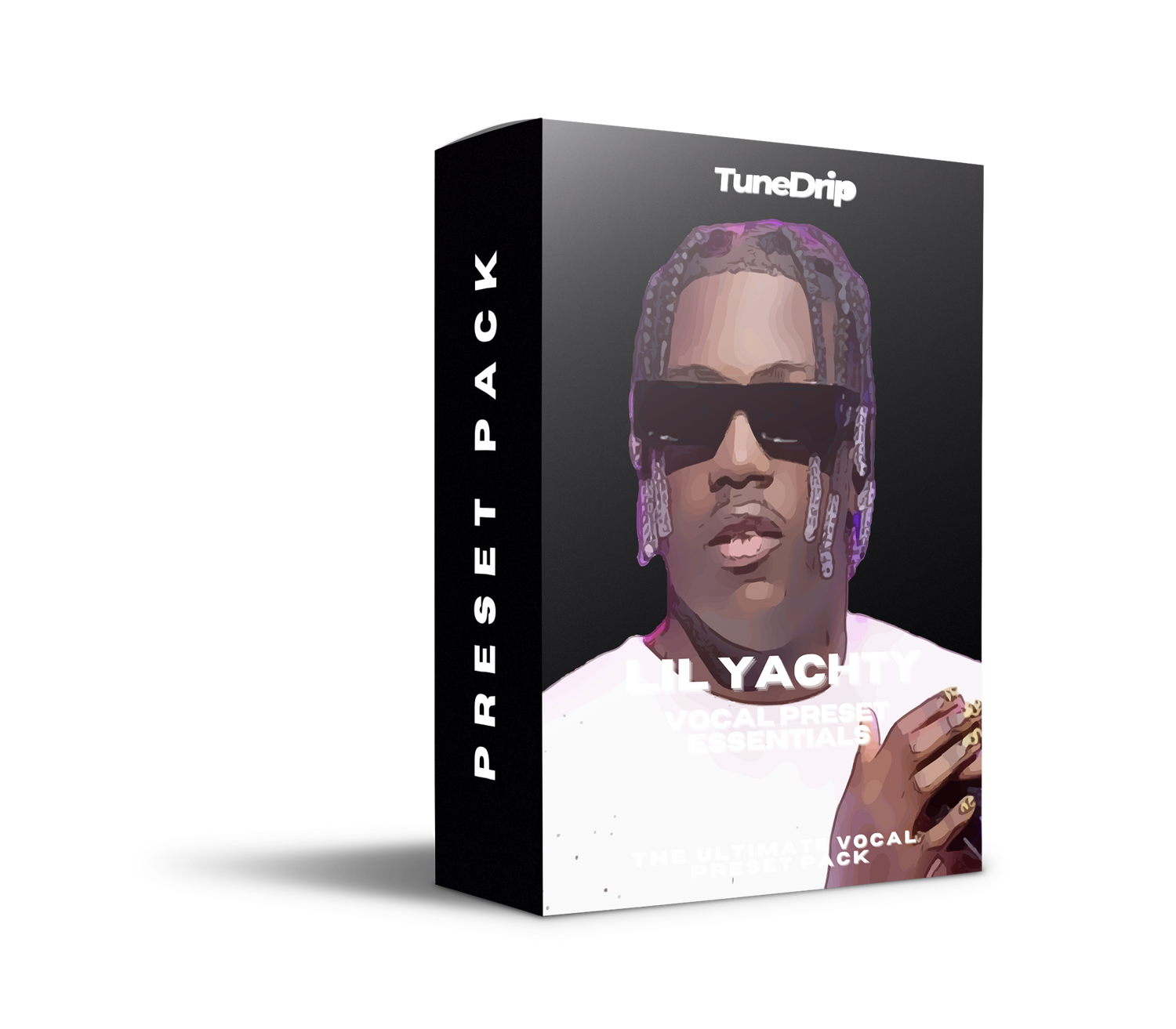
Lil Yachty Vocal Preset — The Lil Boat Sound Decoded
Lil Yachty carved out one of the most distinctive sounds in modern rap — bright, colorful, unapologetically melodic. From the lo-fi energy of One Night and Minnesota to the psychedelic reinvention of Let's Start Here, Yachty's vocals are always immediately recognizable. This guide breaks down exactly how that sound is built — and how the TuneDrip Lil Yachty Vocal Preset gets you there in one click.
The Lil Yachty Sound: What You're Actually Hearing
Yachty's vocal doesn't rely on technical perfection — it relies on feel. The processing reflects that: bright, a little rough around the edges, but always energetic and forward in the mix. Three things define it:
- Hard pitch correction at musical intervals — Yachty doesn't hide his autotune. On melodic rap tracks, the retune speed is near-zero (under 5ms), creating that singing-in-tune-with-the-key effect where every note snaps into place. On more conversational rap lines, it's subtler — 20–40ms. Either way, it's present.
- Bright, presence-forward EQ — His mix engineers boost around 5kHz to 8kHz to give the vocal that "forward and excited" quality. Low-mid mud (200–350Hz) is cut hard so his voice never sounds boxy in the mix.
- Short, warm reverb — not cinematic — Yachty's reverb creates space without washing out the attack. Small room or plate reverb, pre-delay around 15–20ms, low mix (10–15%). The vocal stays intimate and energetic, not distant.
Add light saturation to glue the tone (he often sounds slightly driven, not clean), and parallel compression to keep dynamics in check without killing the liveliness. That's the Yachty chain.
Lil Yachty Vocal Chain Breakdown
Step 1 — EQ (Pre-Compression)
Clean up and shape before you compress:
- High-pass filter: 120Hz, 24dB/oct — removes low-end rumble without making the voice thin
- Cut at 250–350Hz: -3 to -4dB, narrow Q — removes boxiness from his chest voice
- Boost at 5–8kHz: +2 to +3dB, broad shelf — presence, brightness, "Yachty energy"
- Air boost at 12–16kHz: +1 to +1.5dB — the sparkle on his melodic hooks
Step 2 — Compression
Light and fast — preserves the attack of his delivery:
- Attack: 10–15ms (let the initial consonants through)
- Release: auto or 80–100ms
- Ratio: 3:1 to 4:1
- Threshold: -10 to -12dB gain reduction (controlling peaks, not destroying dynamics)
Step 3 — Pitch Correction (Key Step)
This is the most important element for the Yachty sound:
- Melodic/hook sections: Retune speed 0–5ms, scale to key of the song. Hard autotune, every note snaps in place.
- Rap verses: Retune speed 20–35ms — corrected but not robotic. Still sounds intentional.
- Humanize off for the melodic sections — you want the effect to be heard, not hidden.
Step 4 — Saturation
A light tape or tube saturation plugin (Decapitator, Saturn, or stock equivalents) at around 10–15% wet. This adds the slight driven quality that glues Yachty's voice to the beat without making it distorted. Think "warm" not "gritty."
Step 5 — Reverb
- Type: Plate or small room
- Decay: 0.8–1.2 seconds
- Pre-delay: 15–20ms
- Mix: 10–15% — adds depth without making him sound far away
Step 6 — Delay (Optional, for hooks)
On chorus/hook sections, a short quarter-note ping-pong delay at 8–12% mix widens the hook and adds the "floating" feel of tracks like Minnesota and 1Night.
DAW-Specific Setup
FL Studio (Fruity Plugins)
- EQ: Parametric EQ 2 — set up the cuts and boosts from Step 1
- Compression: Fruity Peak Controller + sidechain, or Parametric compressor
- Pitch: Pitcher — set to key, retune speed at 5 (melodic) or 50 (subtle)
- Reverb: Fruity Reverb 2 — small room preset, decay 0.9s, mix 12%
Ableton Live
- EQ: EQ Eight — match the Step 1 settings
- Compression: Compressor (built-in), 4:1, -10dB threshold
- Pitch: Auto-Shift or Antares Auto-Tune access — key locked, hard retune
- Reverb: Reverb (built-in), room size 30%, decay 0.8s, mix 12%
Logic Pro X
- EQ: Channel EQ
- Compression: Compressor (Vintage VCA mode)
- Pitch: Pitch Correction — key lock, response speed high
- Reverb: ChromaVerb — room type, small size
GarageBand
- Use the Pitch Correction smart control and turn it to 80–100%
- Add Channel EQ with the settings from Step 1
- Apply PlatinumVerb at a low mix setting
Common Mistakes
Too much reverb: Yachty sounds close and present, not distant. If your vocal is washing out, reduce the reverb mix to under 15%.
Soft autotune on melodic sections: If the retune speed is above 20ms on your hooks, you lose the characteristic snap. On hooks, go hard — 0 to 5ms.
Skipping the EQ brightness boost: Without the 5–8kHz presence boost, the vocal sounds dull and modern indie-pop rather than energetic melodic rap. That boost is the difference.
Over-compressing: Yachty's delivery has natural energy fluctuations. Squash it too hard and it sounds lifeless. Aim for 3–5dB gain reduction, not 10–12dB.
Get It in One Click
The TuneDrip Lil Yachty Vocal Preset loads the entire chain — EQ, compression, pitch correction, reverb — for FL Studio, Ableton, Logic Pro X, and GarageBand. No mixing engineer. No hours of tweaking. Load it, set your input gain, record.
All presets use stock plugins only. No paid VSTs required.
More Artist Vocal Chains
- Don Toliver Vocal Preset — similar melodic sensibility, heavier reverb presence
- Playboi Carti Vocal Preset — extreme pitch manipulation, baby voice effect
- Future Vocal Preset — dark autotune, heavier compression
- Yeat Vocal Preset — chaotic pitch shifting, layered harmonics
FAQ — Lil Yachty Vocal Settings
- What autotune does Lil Yachty use?
- Yachty primarily uses Antares Auto-Tune with a fast retune speed (near-zero on melodic sections). The key insight is that the autotune is not hidden — it's a deliberate part of the sound. On rap verses, it's more transparent (20–35ms retune speed); on hooks, it snaps hard.
- What DAW does Lil Yachty use?
- Yachty has worked with multiple producers and engineers who use Pro Tools for mixing. However, the TuneDrip preset recreates his sound in FL Studio, Ableton, Logic Pro X, and GarageBand — no Pro Tools required.
- How do I get that "floating" melodic rap vocal sound?
- Three things: bright EQ (boost at 5–8kHz), hard pitch correction locked to key, and short plate reverb with pre-delay. The combination creates that lifted, "singing over the beat" feel that defines Yachty's melodic style.
- Does the Lil Yachty preset work for Let's Start Here-era sound?
- Yes. The preset includes both the early-career rap/melodic preset and a psychedelic rock-influenced variant inspired by his Let's Start Here album, with warmer saturation and longer reverb tails.
- Can I use the preset with free plugins only?
- Yes — all versions of the TuneDrip Lil Yachty preset are built with stock plugins only. No paid VSTs required for FL Studio, Ableton, Logic, or GarageBand versions.



Leave a comment
This site is protected by hCaptcha and the hCaptcha Privacy Policy and Terms of Service apply.