
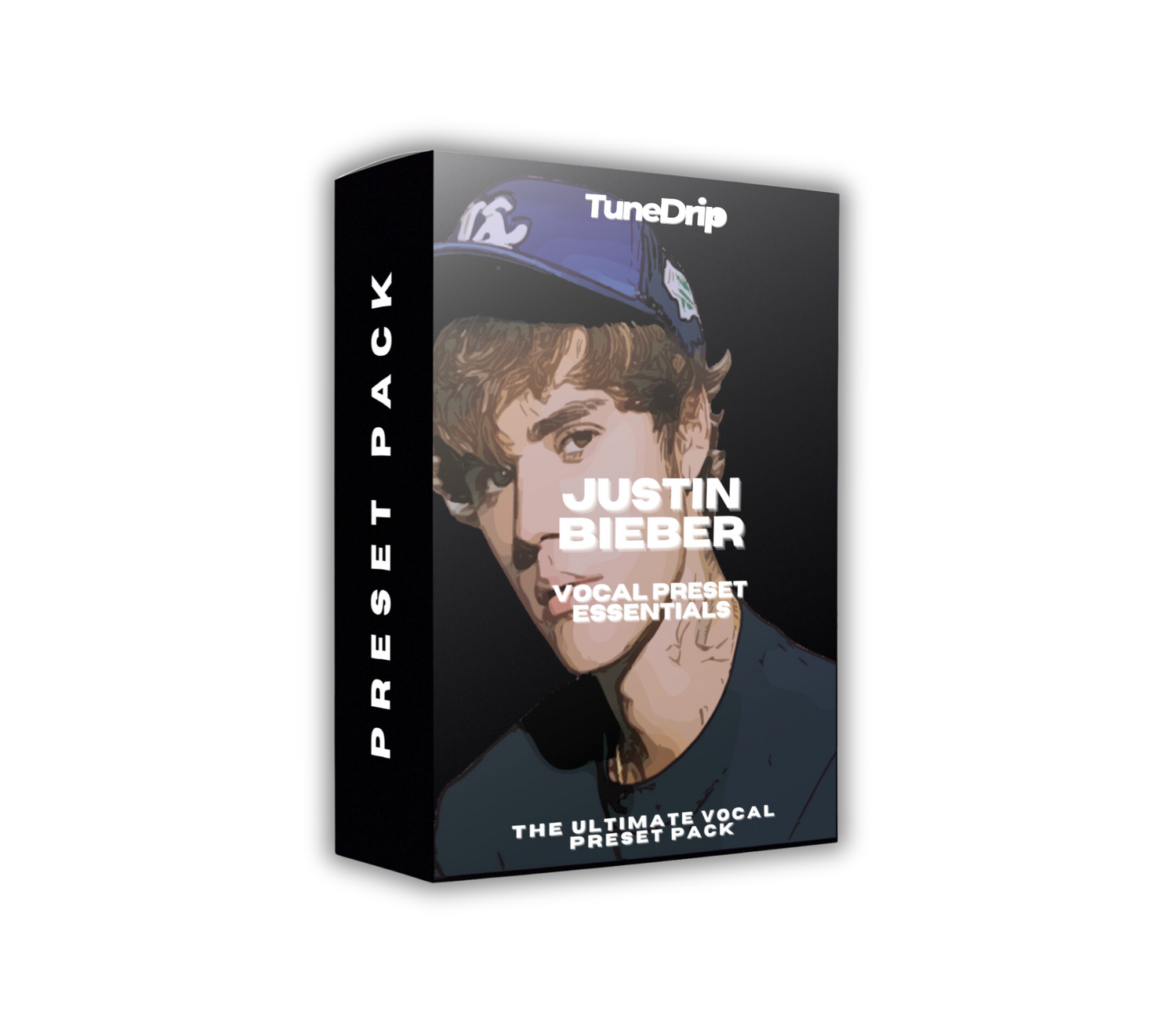
Justin Bieber Vocal Preset: The Clean Pop Production Sound
Justin Bieber's vocal sound has evolved significantly over his career — from the bright, unprocessed R&B-influenced pop of his early years to the deep, reverb-rich gospel and R&B-informed sound of Changes and Justice. What's stayed consistent is a commitment to making his natural voice the center of every production, with processing that enhances rather than transforms.
This TuneDrip preset is calibrated for Bieber's mid-to-late era sound — the Justice/Changes aesthetic — where lush reverb, subtle pitch correction, and a mid-forward EQ create vocals that sound simultaneously intimate and anthemic. Whether you're recording pop, gospel-influenced R&B, or contemporary singer-songwriter material, this chain is built for voices you want to showcase.
Breaking Down Justin Bieber's Vocal Production
The Signature Warmth
Post-2020 Bieber vocals carry a warmth that comes from two sources: his actual voice and careful EQ work that protects the 300–500 Hz range rather than scooping it out in the name of clarity. Many modern pop chains over-thin vocals to create "radio" separation. Bieber's team, particularly working with producers like Poo Bear, Giveon (on some records), and Daniel Caesar collaborators, consistently leans into warmth over brightness. The result sounds expensive without sounding processed.
Pitch Correction: Almost Invisible
On Changes and Justice, pitch correction is almost entirely transparent. Retune speed is set slow enough (roughly 20–35ms on most lines) that the processing only catches genuine pitch errors rather than micro-variations in the natural vocal. You hear his actual voice — the slightly breathy qualities, the characteristic tonal shifts — with just enough correction to hold intonation in a melodically dense production context.
Compression: Dynamic but Controlled
The compression on Bieber vocals is conservative. Attack times around 15–25ms allow natural vocal consonants and onset transients through. Release around 60–90ms. Ratio typically 3:1 to 4:1. The goal is to keep the dynamic range of a real vocal performance — the natural swells and pullbacks — while preventing level spikes that would require heavy limiting in the master chain. Parallel compression is often used: the dry vocal runs alongside a heavily compressed version blended in at low levels to add density without obvious pumping.
Reverb: The Justice Era Sound
The reverb on Justice-era Bieber is noticeably lush — room-filling without being washy. It's a specific combination: a tight room (~0.35s decay) for immediate presence, and a longer plate or hall (1.5–2.0s decay) for the spread you hear on tracks like "Holy," "Peaches," and "Ghost." Both reverbs have their low-end rolled off (high-pass around 250 Hz) to keep the bass clean. The hall reverb often has subtle modulation — a chorusing effect in the tail — that adds movement without making the reverb feel static.
The TuneDrip Justin Bieber Vocal Preset — Chain Breakdown
- Gain staging: Input gain calibrated for -18 LUFS nominal; output matched to preserve gain structure through the chain
- High-pass filter: 80 Hz, 12 dB/oct — removes low-frequency room rumble and proximity effect
- Auto-Tune: Retune speed 28ms, humanize +20, key-aware mode — transparent correction that sounds like the singer hit the notes (because they mostly did)
- EQ (pre-compression): Low-mid warmth preservation at 350 Hz (no cut); presence peak at 2.8 kHz (+2 dB); high-frequency air at 14 kHz (+2 dB)
- Compression 1 (Main): Attack 18ms, release 75ms, ratio 3:1, soft knee, ~4–5 dB gain reduction
- Compression 2 (Parallel blend): Ratio 8:1, fast attack, blended at 25% — adds density and presence without audible pumping
- Saturation: Tube saturation at low drive (2–3%) — adds harmonic richness and slight "tape warmth" without distortion
- De-esser: 6.5–8 kHz, -3 dB threshold — smooth, transparent sibilance control
- EQ (post-compression): Presence dip at 1 kHz (-1.5 dB, narrow) — reduces nasal harshness if present; high-shelf boost at 10 kHz (+1.5 dB)
- Reverb Send 1 (Room): Pre-delay 10ms, decay 0.35s, high-pass 200 Hz, mix 22%
- Reverb Send 2 (Hall/Plate): Pre-delay 28ms, decay 1.8s, modulation on, high-pass 250 Hz, low-pass 10 kHz, mix 28%
- Delay: Dotted eighth, 9% mix, high-pass filtered — rhythmic depth without cluttering the mix
DAW Setup Guide
FL Studio
Add the preset to your vocal Mixer channel. Create two additional Mixer tracks for the reverb sends (room and hall). Route them as FX sends from your main vocal channel. The parallel compression can be set up by duplicating the vocal channel in the routing, running it through a compressor with Fruity Balance blend — keep the blend at 25% on the parallel track. The preset calibration assumes a 44.1 or 48 kHz project at 24-bit depth.
Logic Pro X
Import the Channel Strip setting. Logic's Chromaverb is used for the room reverb (room type: "Room," length 35%). Space Designer handles the hall reverb — use the "Long Reverb Hall" preset as your starting point, then apply the pre-delay and low-pass settings from the chain. The Vintage VCA compressor is used for the main compression; the Multipressor handles de-essing. Parallel compression is routed via an Aux bus.
Ableton Live
Load the FXChain preset from the browser. Hybrid Reverb handles both sends: send one uses Plate mode for the room, send two uses the Hall IR at 55% size. The Glue Compressor handles main compression; a second instance with high ratio is blended via an Ableton Audio Effect Rack for the parallel layer. OVox or Auto-Tune AU/VST handles pitch correction — check that the retune speed is set to 28ms after loading.
GarageBand
The GarageBand-compatible patch uses the built-in Pitch Correction at 0% strength for transparent tuning. Reverb is split across two AUMatrixReverb instances. Note: GarageBand's reverb routing is less flexible — if you find the reverb balance off, reduce the hall reverb room size to compensate for GarageBand's longer default decay times.
Producer Notes — Getting the Most Out of the Preset
Performance Quality Is the Variable
Bieber's vocal sound works because his performances are consistent and emotionally controlled. The chain is transparent — it will sound great on a great take and reveal every problem on a weak one. If you're producing for another artist, get solid takes before applying this chain. Pitch correction can fix pitch, but it can't fix a delivery that lacks commitment.
Use Reference Tracks
Load "Holy" or "Ghost" from Justice into your DAW as a reference track. A/B between your processed vocal and the reference at matched LUFS levels (-14 LUFS is a good target for pop). The reverb depth and the mid-frequency warmth are the two areas where producers most often miss on this style.
The Double Vocal Strategy
Bieber's choruses typically use a close double — same pitch, slight time offset (~15ms), light pitch variation (±5 cents), panned 30–40% L/R. Apply only the room reverb to doubles, not the hall reverb. This keeps the doubles present without competing with the lead's lush hall tail.
Mix Positioning
Target -16 to -18 LUFS for the dry vocal stem in a full pop mix. Modern pop favors vocals forward in the frequency balance — the vocal should be clearly audible even on laptop speakers. Use the EQ's air shelf (14 kHz) to maintain presence on lower-quality playback systems while the warmth carries on full-range systems.
Frequently Asked Questions
Does this preset work for male and female pop vocals?
Yes. The chain is calibrated around a male midrange tenor but works well across vocal registers. Female vocals may want to reduce the low-shelf warmth boost slightly and push the presence EQ to 3.2 kHz instead of 2.8 kHz. The reverb and compression settings are universal.
Is Auto-Tune required, or can I use Melodyne?
You can use either. The retune speed equivalent in Melodyne is set via the pitch center algorithm. For the "Bieber transparent" setting in Melodyne, use the Melodic algorithm with pitch drift and vibrato pitch separation set to "Sensitive." The goal in both cases is the same: guide pitch without flattening the human character of the performance.
What if the reverb sounds too wet in my mix?
The preset is calibrated for a full-production pop mix context — drums, bass, harmonics, synths. In a stripped arrangement (acoustic guitar and vocals, for example), reduce the hall reverb mix to 18–20% and cut the pre-delay to 20ms. More instrumentation in the mix will naturally absorb reverb tails.
Can I use this for gospel and R&B vocals?
Yes — this is one of the strongest use cases. The lush hall reverb and warm EQ profile suit gospel and R&B equally well. For gospel specifically, push the hall reverb decay slightly (to 2.2–2.5s) and increase the hall mix to 32% for the full "praise and worship" ambiance.
The TuneDrip Difference
Pop vocal chains are everywhere. Generic "radio-ready" presets load a bright EQ curve, slam compression, and call it done. The TuneDrip Justin Bieber preset is reverse-engineered from the actual production philosophy of the music — the warmth-first approach, the transparent pitch correction, the specific combination of room and hall reverb that creates that Justice-era sound. It's a working tool, not a filter.
Get the Bieber vocal sound in your DAW. Browse Male Artist Vocal Presets — professionally engineered chains for Logic Pro, FL Studio and more.
Get the Justin Bieber Vocal Preset
Stop trying to reverse-engineer the chain from scratch. TuneDrip's Justin Bieber Vocal Preset Essentials gives you the exact settings — EQ, compression, Auto-Tune, reverb — dialed in and ready to load into your DAW.
→ Get the Justin Bieber Vocal Preset




Leave a comment
This site is protected by hCaptcha and the hCaptcha Privacy Policy and Terms of Service apply.