
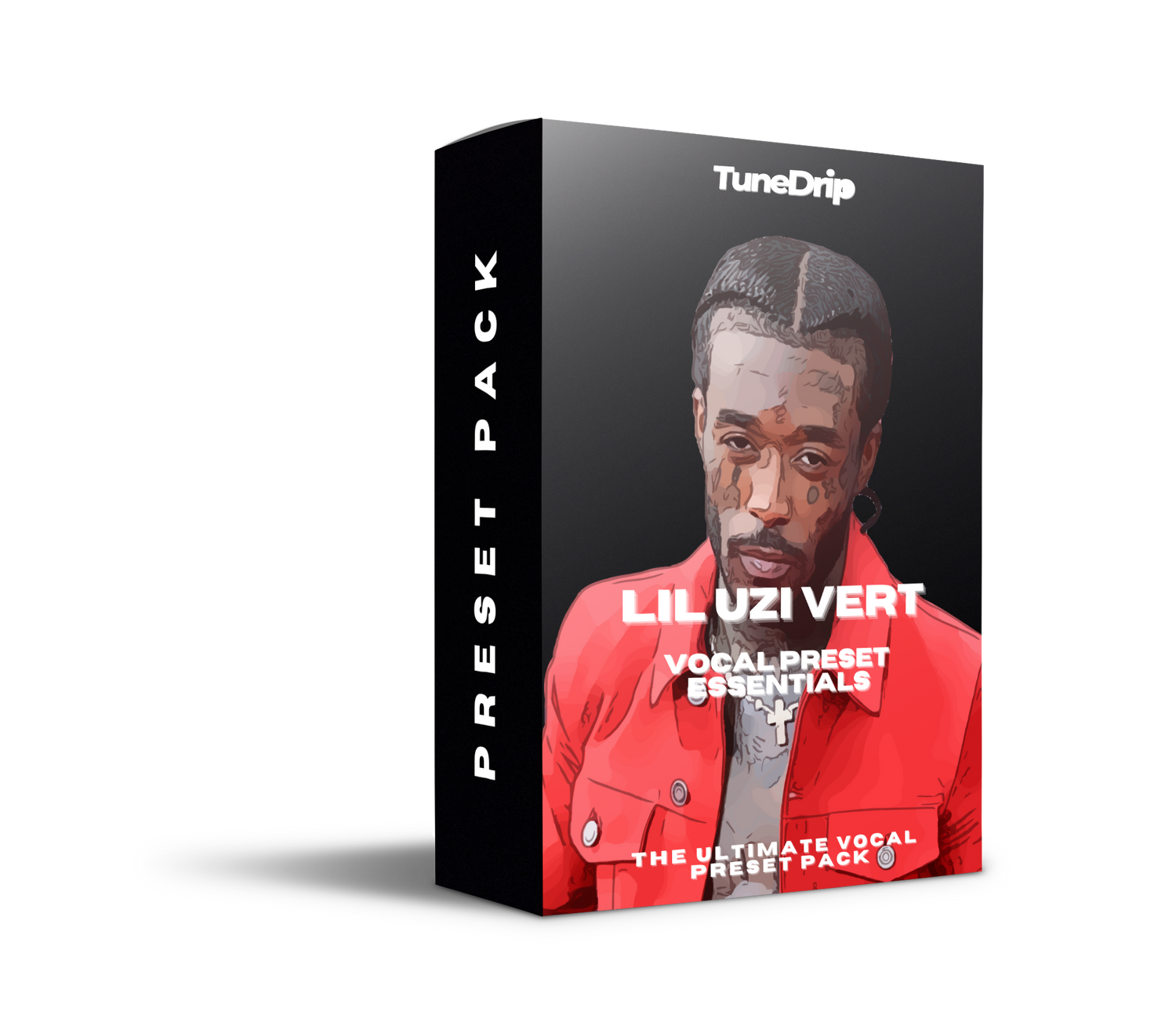
Lil Uzi Vert has one of the most distinctive voices in rap — and a big part of that is how his vocals are processed. It's not just Auto-Tune. It's the specific kind of Auto-Tune combined with these hyperactive, almost glitchy vocal production choices that make his tracks feel like they're from another dimension.
Most producers hear Uzi and think "okay, hard Auto-Tune, done." Then they wonder why their vocals sound like a bad karaoke machine instead of "XO Tour Llif3." There's way more going on under the hood.
The Lil Uzi Vert Sound — What's Actually Happening
The Auto-Tune is fast but not quite zero. Uzi sits around 3-8ms retune speed. That's fast enough for the obvious pitch correction sound, but not the instant 0ms snap that Travis Scott uses. The difference is subtle but important — Uzi's pitch bends slightly before locking in, which gives his melodies that wobbly, elastic quality. You hear it clearly on "Sanguine Paradise" during the sustained notes.
He layers... a lot. A typical Uzi vocal session has the main vocal, a double, sometimes a triple, plus ad-libs on separate tracks. Each layer gets different processing. The main vocal is relatively clean. The doubles get more Auto-Tune and are tucked behind the lead. The ad-libs — those "yeah," "what," "aye" throws — get cranked with effects: more reverb, sometimes a pitch shift up or down, heavy Auto-Tune at 0ms.
The energy comes from the upper mids. Uzi's vocal EQ has a significant boost around 2-4kHz. That's the "presence" range that makes his voice cut through even the busiest beats. Some engineers also add a subtle boost at 8-10kHz for air, but the real aggression is in that 3kHz zone.
Compression is heavier than you'd expect. His delivery is all over the place dynamically — whispering one second, screaming the next. That requires more compression than a more controlled vocalist. We're talking 5:1 ratio, maybe 6-8dB of gain reduction on the loud parts. Fast attack (5ms) to catch those sudden bursts, medium release.
The Vocal Chain
- Auto-Tune — 3-8ms retune speed, Humanize at 10-20. Key matched to the beat.
- EQ 1 (subtractive): High-pass at 100Hz, narrow cut wherever the room resonance sits
- Compression: 5:1, fast attack (5ms), medium release (80ms). Heavier than most — Uzi needs it
- De-esser: Moderately aggressive at 6-7kHz. His delivery creates a lot of sibilance
- EQ 2 (additive): +3dB at 3kHz for presence, +1.5dB at 10kHz for air
- Reverb: Short plate, 0.8s decay, bright character. Mixed at about 20%
- Delay: 1/4 note, filtered, 15% mix. Adds space to the vocal without cluttering
What's in the Preset Pack
- Eternal Atake Main — The signature Uzi sound: fast Auto-Tune, punchy compression, bright presence
- XO Tour Energy — Slightly darker, more emo, heavier reverb tail
- Sanguine Melodic — When Uzi's actually singing. More space, less compression, wider stereo
- Rage Mode — For the screamed/yelled sections. Tighter compression, more distortion in the chain
- Plus 6 more variations including ad-lib processing and double settings
Works with FL Studio, Ableton, Logic Pro and all major DAWs.
Stuff I See Producers Getting Wrong
They use the same preset for everything. Uzi's main vocal, his doubles, and his ad-libs are three completely different chains. If you're running one preset across all your vocal layers, it's going to sound flat and one-dimensional. Use the main preset on your lead, dial up the effects for ad-libs, and keep the doubles subtle.
They forget about the pitch shifting. On a lot of Uzi tracks, certain ad-libs are pitch-shifted up 2-3 semitones. It's a small thing but it creates that hyperactive, almost cartoon-like energy that's become his signature. Try it — duplicate your ad-lib track, pitch it up +3 semitones, mix it in low behind the original.
They don't match the beat energy. Uzi's vocals sound insane because his beats are equally insane — heavy 808s, distorted synths, fast hi-hats. If you put an Uzi-style vocal over a mellow beat, it won't work. The vocal processing and the production have to be on the same wavelength.
Download the Lil Uzi Vert Vocal Preset Essentials and take your vocals to another dimension. Check out our Auto-Tune settings guide for more pitch correction breakdowns by artist.



Leave a comment
This site is protected by hCaptcha and the hCaptcha Privacy Policy and Terms of Service apply.